
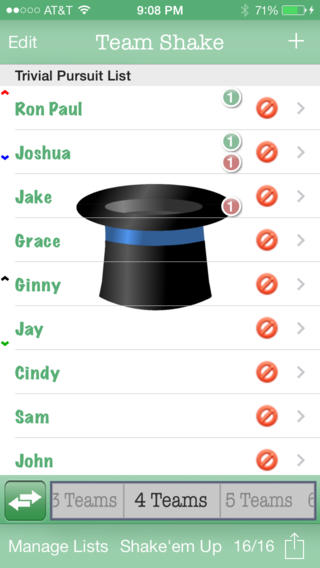
FREE for a limited time – Team Shake, a tool that helps select teams for games, sporting events, tournaments, school projects, etc. If you have to put people in groups, this is the app for you. 🙂 You can easily create 1 – 64 teams. First, enter the names of the participants by using the keyboard or by importing a file. Then set each student’s gender and level of strength. Temporarily disable the names of people who are absent then literally shake the your device (or press the shake button.) The app generates color-coded balanced teams. There are all sorts of additional features that let you customize this app to fit your needs. You can set groups of people to always be on the same team, set groups of people to always be on different teams, create teams where all players have the same strength, and more. I would enter my class multiple times by subject so that I could set the levels strength for each area. Very cool educational tool for teachers, coaches, and anyone else who works with groups!
Download link: https://itunes.apple.com/us/app/team-shake/id390812953?mt=8&uo=4
 appydazeblog