0

Small Science Experiments

experiments

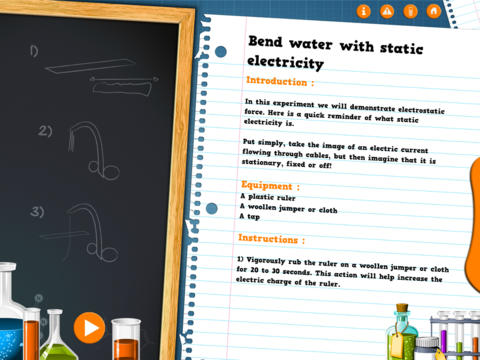
FREE for a limited time – Small Science Experiments HD. This educational app features fun, easy science experiments for kids to do at home. Each experiment is written up with 4 parts: introduction, equipment, instructions, and explanation. The experiments are also demonstrated in step-by-step videos. There are a total of 25 experiments. Some examples are: make an engine with a candle, turn a tea bag into a rocket, extract DNA from a pear, make a mini jet boat from a chemical reaction. As you can tell from the titles, these experiments need to be done under the supervision of an adult. A warning to that effect is included in the app. The app also includes a quiz with a limited number of multiple choice questions such as: Who invented the first electric battery? and What was the first name of Einstein? Personally, I would skip the quiz. I think kids would benefit more from journaling about their experiments – what they observed, what they learned, etc. Check it out for your budding scientist!

Download link: https://itunes.apple.com/us/app/small-experiments-hd/id586218241?mt=8&uo=4

0

Petting Zoo

Petting

FREE for the first time – Petting Zoo, an adorable app for kids and adults who are kids at heart. 🙂 This educational app combines the charm of Christoph Niemann’s humorous animations with state of the art technology as one scene morphs into the next. The app is simple to use – just swipe and tap the 21 animals to see how they react. The results are delightfully surprising! Kids will discover what an elephant would do in the bathroom, if a dog can breakdance, how monkeys play soccer, and more. This app is suitable for kids of all languages because there are no spoken words. It’s perfect for discussion and predicting what will happen next. A really fun storybook app – creative, silly, and sure to delight!

Download link: https://itunes.apple.com/us/app/petting-zoo-animal-animations/id602773895?mt=8&uo=4

0

Halloween Apps

Even though I am a retired teacher, I still find myself thinking in themes. 🙂 Here is a list of some FREE (with a few exceptions) educational Halloween apps that you may want to download for your kids.

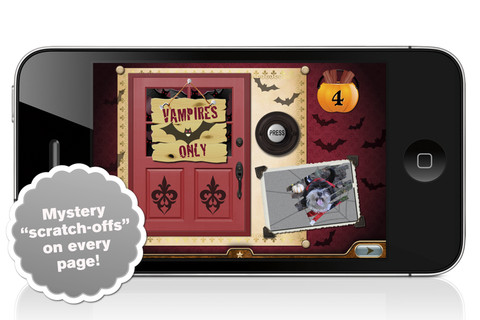
I am going to start with the exceptions – Millie’s Book of Tricks and Treats is currently $.99. The Millie books feature a very cute, lovable dog and kids LOVE them! If you own some of Millie’s other books: Meet Millie and Millie and the Lost Key, you will want this one too. This book presents a series of silly tricks and treats featuring Millie – nothing scary for little ones. Every time you read it, the randomly generated video clips change so the book is always different.There is also scratch-off picture & hidden sticker on every page. Love this series!

Millie's Book of Tricks and Treats - Megapops LLC

Also available for $.99 is the sequel – Millie’s Book of Tricks and Treats, Volume 2, featuring more doggy tricks or doggy treats. LOVE these books!Download link: https://itunes.apple.com/us/app/millies-book-tricks-treats/id569720229?mt=8&uo=4

Carve-a-Pumpkin from Parents Magazine is FREE for the iPhone/iPad. Kids first choose one of 5 pumpkins (orange, white, orange with green, black or orange & bumpy). They can “cut” it by hand or use premade eyes, noses, mouths, and faces. Instead of cutting the pumpkins, kids can choose to decorate them with stickers. In either mode, kids can manipulate the size and orientation of the objects that they add. There is an undo and redo button to change things easily. Once the pumpkins is complete, kids choose a background. The final project can be shared on Facebook. Twitter, & emailed, or saved as a photo. This app would be fun for kids to use as a planning tool for real pumpkin carving.
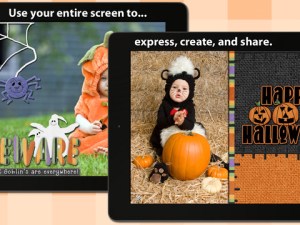
Carve-a-Pumpkin from Parents magazine - Resolute Digital, LLC

FREE again – Scrap It: Halloween HD for the iPad. You (or your child) can add a Halloween touch to your photos with this app. First take a photo or use an existing one. Using the photo editor, you can crop it and/or add an effect (about 40 filters available). Then its time to get creative – add stickers, change the papers & tiles, add letters & numbers/ribbons/word art, and add & manipulate text using the text editor. Items can be resized, shadowed, sent to the back, sent to the front, etc. Creations are saved in My Scrap Pages. They can also be shared on Facebook, Twitter, Tumblr, via email. They can be saved to your camera roll or printed. I think kids would love decorating pictures of themselves, their family & friends, and the family pet 🙂 You could also create an electronic postcard or invitation with this app. Lots of possibilities!!

Scrap It: Halloween HD - Dirk Bost

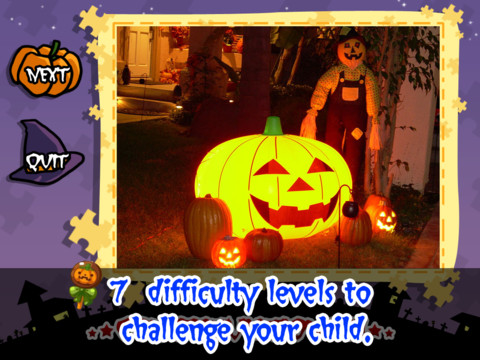
Halloween Jigsaw Puzzles is FREE for the iPad. It includes 18 puzzles with the option to purchase more. There are 7 levels of difficulty ranging from 4 to 49 pieces per puzzle. Most puzzle images are appropriate for younger kids but there are a few that are a bit iffy: scary-faced pumpkins, a few skeletons, and a witch in questionable attire. So if your child loves puzzles, check it out and be selective if your child scares easily.
Halloween Jigsaw Puzzles! - Toy Box

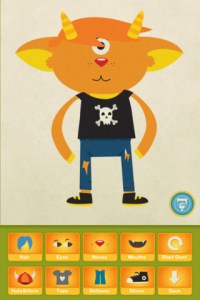
Dibu’s Monster Maker Lite is FREE for the iPhone/iPad. Dibu is a little boy who loves monsters so he created a machine to build them – I think this is how Dr. Frankenstein got started 🙂 The Monster Maker has hundreds of combinations of monsters waiting to be made. The lite version has 2 bodies to choose for the base.Then kids add hair, eyes, noses, mouths, hats & horns, tops, bottoms, and shoes. There is also a random monster generator which creates a monster with one tap. Finished monsters can be named then saved, printed, made into a puzzle, or emailed. This app also has a child lock that hides all promotional buttons and disables printing & emailing. And… there is a “parents only” button which gives written instructions for access to the app store. The developer does not want young children to end up there accidentally – how refreshing!

This app would be great to use with elementary aged kids. They could create a monster then write a descriptive paragraph about it. They could create two monsters and do a Venn diagram comparing and contrasting the monsters. Lots of possibilities!

Dibu's Monster Maker Lite - Playtend Apps LLP

0

Math Duel

Math Duel

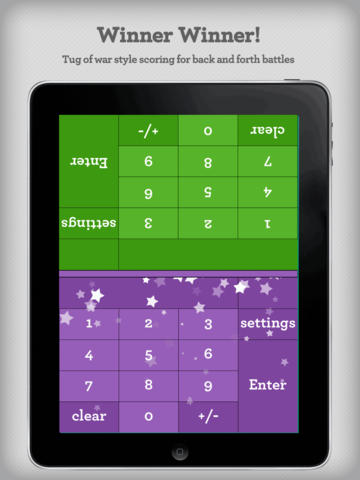
FREE for a limited time – Math Duel-2 Player Mathematical Game.This educational app pits two players against each other on the same device which makes it perfect for sharing iPads in the classroom. The app has a split screen interface – students sit facing each other on either end of the iPad. As kids answer math equations, the app keeps separate scores for each student. The best thing about this app is that it is fully customizable (on both sides) which makes it a fabulous tool for individualizing instruction for a wide range of students. Equations can be set with 1 – 5 terms. Largest numbers possible can be from 1 – 100. Negative numbers can be turned on/off. Kids can practice addition, subtraction, multiplication, division or any combination of these operations. Fabulous and fun for daily classroom math practice in multiple grades!

Common Core Standards met:

  • 1.OA.6 – Add and subtract within 20, demonstrating fluency for addition and subtraction within 10.
  • 2.OA.2 – Fluently add and subtract within 20 using mental strategies. By end of Grade 2, know from memory all sums of two one-digit numbers.
  • 3.OA.7 – Fluently multiply and divide within 100, using strategies such as the relationship between multiplication and division or properties of operations. By the end of Grade 3, know from memory all products of two one-digit numbers.

Download link: https://itunes.apple.com/us/app/math-duel-2-player-mathematical/id495077699?mt=8&uo=4

0

Toontastic, Toontastic Jr. Shrek, and Toontastic Jr. Pirates

toontastic

If you haven’t tried the original Toontastic, do yourself a favor and check it out….
Parents and teachers love Toontastic and kids can’t stop creating! Named by the NY Times as one of Top Ten iPad educational apps of 2011, Toontastic is a fabulously creative FREE app for kids. This app allows kids to draw, animate and share their own cartoons AND it teaches them the elements of a story! Kids are able to use backgrounds and characters from the app or create their own with the drawing tools that are provided. The basic app is FREE but there are several in-app purchases available. Final creations can be shared online via ToonTube, Toontastic’s global storytelling network. Over 2 million cartoons have been created in over 150 countries. Unleash your child’s creativity with this great educational app!!

Here is a link to more information: Toontastic: Play, Create, Learn on the iPad!.

Not only are the possibilities for using this app are endless but a child’s work can be shared with parents, grandparents, other classes, etc.

Toontastic - Launchpad Toys

Shrek

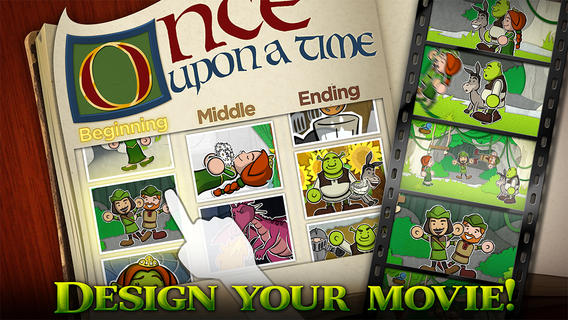
Toontastic Jr. Shrek is FREE again for a limited time. This storytelling app, from the creators of Toontastic, has kids creating their own Shrek cartoons. They start by choosing a beginning, middle, and ending. Then they animate the story by moving the characters and recording their voices at the same time. The educational app features 12 classic Shrek scenes and a cast of characters to get kids started. If kids would like to create a story with friends or family, they can utilize StoryShare, a new feature in Toontastic Jr. which is very cool! It enables kids to talk & create stories with friends or family anywhere in the world!

Download link: https://itunes.apple.com/us/app/toontastic-jr.-shrek/id632359329?mt=8&uo=4

Toontastic Jr. PiratesToontastic Jr. Pirates is also FREE again for a limited time. This storytelling app, from the creators of Toontastic, has kids creating their own pirate cartoons. They start by choosing a beginning, middle, and ending. Then they animate the story by moving the characters and recording their voices at the same time. The educational app features 12 story starter videos and a cast of characters to get kids started. If kids would like to create a story with friends or family, they can utilize StoryShare, a new feature in Toontastic Jr. which is very cool! It enables kids to talk & create stories with friends or family anywhere in the world! Yo ho ho – how fun is that??

Toontastic Jr. Pirates - for iPad - Launchpad Toys

0

ABC Spy HD

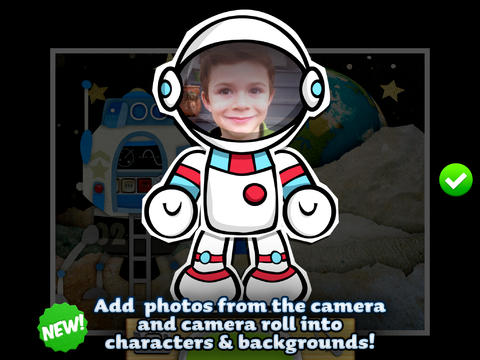
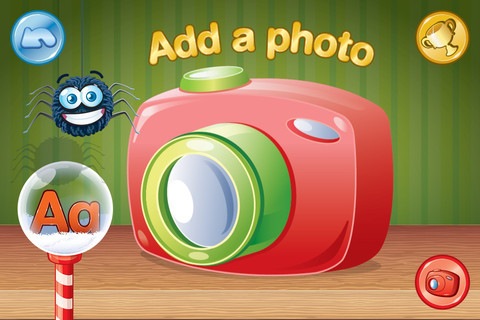
ABC Spy for the iPhone/iPad is currently FREE. It challenges kids to create their own ABC book with photos of items that start with each letter. Children can take their own pictures, use pictures from the app’s library, or use photos from their own library. After the child has the photo, he/she chooses a frame for it then types in the text to go with the framed picture. When the book is finished, it can be turned into a movie and saved or shared via email, text message, or You Tube.

Kids can create ABC books of almost anything – animals, a vacation, their town, etc. Since this educational app allows you to pull things from your photo library, kids can create their own artwork in another app and pull it into this one. VERY cool with loads of potential!

Highly Recommended!

ABC Spy HD - Stealth Education

0

Sago Mini Bug Builder

bug buider

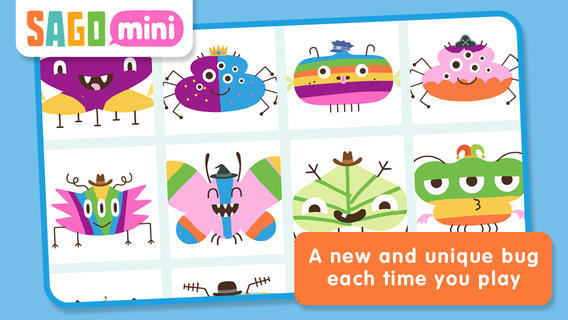
FREE again for a limited time – Sago Mini Bug Builder, an educational app for toddlers/preschoolers. Kids create, hatch, and play with cute little critters. They can transform 1 of 8 shapes into a colorful bug, add some color, then bring it to life. They can also add a funny hat, feed it a snack, clean up its mess, and take its picture. Kids can make unlimited number of unique bugs using this app – very cute & creative!

Download link: https://itunes.apple.com/us/app/sago-mini-bug-builder/id657821775?mt=8&uo=4

0

Animal Photobook 1

FREE for a limited time for the iPhone/iPad – This educational app (for 3 – 12 year olds) contains beautiful pictures and fascinating facts about 12 animals. Each page poses a question about an animal such as: Is it true that snakes smell with their tongues? How do chameleons change color? etc. The answer can be read independently or read aloud by a narrator. The narrator’s voice can be set to US English or UK English. There are lots of interesting facts in this app – the kind of things kids love to learn. One minor caution – The question about the wolf asks: Are wolves really evil?  We actually addressed this issue in my third grade class when we our fairy tale/folk tale unit because the wolf was always the villain. Their answer gives a good explanation of how wolves ended up with bad reputation – no problem there. My concern is the line: You shouldn’t be afraid of wolves because they are neither evil or dangerous. I agree that wolves are not evil but I think kids need to know that any wild animal is somewhat dangerous. Other than that, this app is great.

Animal Photobook - CYBERLINE

0

Comic Book

Comic Book

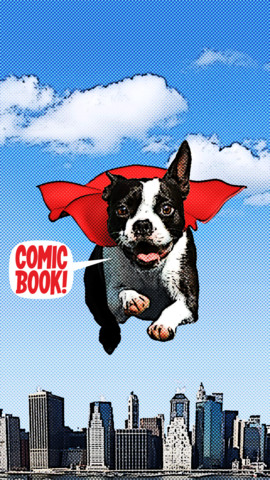
On sale for only $.99 – Comic Book. This app was named Best Photo App of 2011 and was the App of the Week in 12 different countries! Using the app’s selection of image filters, comic fonts, customizable captions, classic comic graphics and page layouts, you can easily change your photos into comics. So many creative uses for the classroom!! Download now, brainstorm uses for this educational app later!!

ComicBook! - 3DTOPO Inc.

0

Cool Writer

Cool Writer

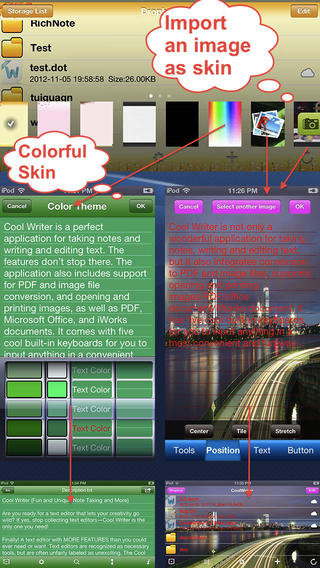
Free today – Cool Writer – Awesome Writing & Note Taking App and that it is! This educational app comes with 5 built-in keyboards to make writing and note taking fun. They are: Special Characters Keyboard with 2000 special characters, Emoji Keyboard with 471 emoticons, Article Keyboard with 400 popular characters/emoji article pictures, Crazy Text Keyboard with fun features like ‘upside-down’ letters, and Shortcut Keyboard that you can personalize. The app has 12 themes or you can create your own theme using images from your photo album. With it you can create, rename, delete, copy, and move your notes. You can also sort them by name, size, type, or time. There is even as search option. This app also converts text files to PDF or image format.

I visualize using this app as a digital version of the 5-subject notebook – kids could keep track of their class notes for all subjects in their device. It syncs with Dropbox so they can also access class notes at home. Teachers could share notes with students and vice versa. This app could be used to write exit slips at the end of a lesson and emailed to the teacher. Or, a teacher could assign reading/note taking for homework then have kids email the completed notes. Lots of possibilities here and slick enough that kids would probably enjoy using it – VERY cool!

Download link: https://itunes.apple.com/us/app/cool-writer-awesome-writing/id477698296?mt=8&uo=4