0

Rocket Speller

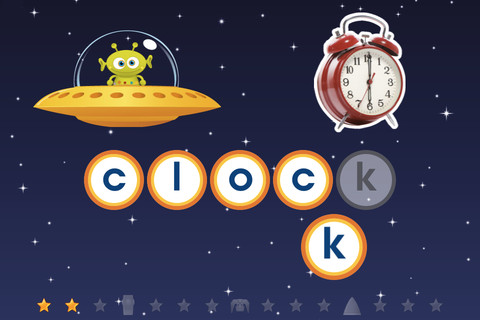
Rocket Speller is a FREE spelling app for the iPad and iPhone geared towards 3 – 7 year olds. Kids join Zip the alien on an adventure to build a new rocket. As the child successfully progresses through the levels he/she helps Zip choose the rocket pieces that he needs. Once Zip has collected everything, the rocket can be launched from the space pad. There are 4 levels. Level 1 allows you to match & place the letters in any order. In level 2, letters must be matched/placed in the correct order. Level 3 is spelling of simple words and level 4 is more complex words. This app promotes letter recognition, left to right order, awareness of how letters combine to make words, and vocabulary.

It’s cute, fun and you get the whole version for FREE.

Recommended!

Rocket Speller - Little Big Thinkers

0

Miss Spider’s Tea Party and Miss Spider’s Bedtime Story

Both of these apps are digital versions (for the iPad, iPhone, & iPod) of David Kirk’s beautiful picture books. They initially sold for $4.99 each but are now FREE. These apps have several features: children can watch the story in 3-D animation, they can read along with the narration, or they can read the story on their own. As they read they can touch the illustrations to reveal special surprise effects. Also included are games, puzzles and pictures to paint.

They are definitely worth downloading – Highly recommended!

Miss Spider's Tea Party - Callaway Digital Arts Inc.


0

My Story – Book Maker for Kids

Recently updated (June 26, 2012), My Story, is another great writing app for the iPad. The cost of this app is $1.99 but I was able to get it on a day that it was FREE 🙂

Kids can easily create an unlimited number of their own books. They can illustrate, take photos from the app, or use pictures from the photo library in their stories. Each page has an area for kids to type in words. They can also record themselves reading their books. Finalized stories can read directly from the app, be published to iBooks, and/or shared via email with anyone who owns an iPhone or iPad.

Watch the video and learn more about this app here: My Story – Book Maker for Kids.

What a great way for your child to share their life experiences with grandparents and other loved ones – take photos of your day (at the zoo, in the park, etc.) and let your child narrate the experience! Voice recording remain intact when the book is shared. You can type in the text later so your child can hear himself narrating/reading the book. Kids will make the connection that the words in books are really just “talk written down.”

In the classroom kids can share their stories with friends through iBooks, write and present digital reports, keep ongoing vocabulary books and/or journals etc.

Highly recommended!!

My Story - Book Maker for Kids - HiDef Web Solutions

0

Scribble Press

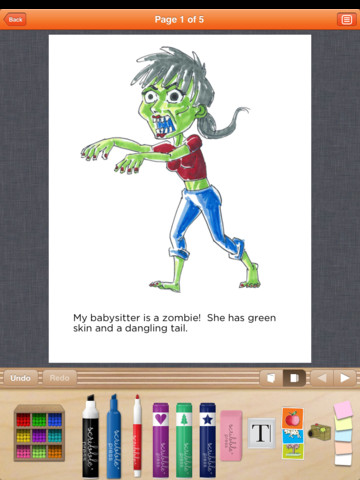
This FREE app seems to be the Cadillac of kids’ writing apps for the iPad. It helps kids to “imagine, create and publish” their stories. Kids can begin with one of the 50 story templates available within the app or they can write an original story.  You can create your own drawings using the 100+ markers, stamps, and stickers in this app. You can also take your own photos or upload existing photos/art for your story.  With all of that flexibility the sky is the limit as far as what kids can create – story books, travel journals, cookbooks, nature guides, etc.

After creating the story, kids can customize the cover and add information about the author. Books can be shared in a variety of ways – via email, via Facebook, to the Scribble Press public gallery, or to iBooks to be read and reread later.

Scribble Press was created by two moms 5 years ago. They started by opening retail studios where kids could publish their own books in New York and Los Angeles. The app came out when they decided to go digital after their success in the retail market.  Anyone who creates a book using Scribble Press can order a hardback copy as well as other cool things. Imagine what wonderful gifts your child’s creations would make for birthday and holidays!

Highly recommended!

Scribble Press - Scribble Press

0

Super U

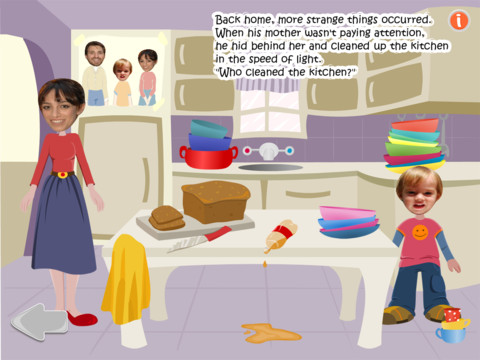
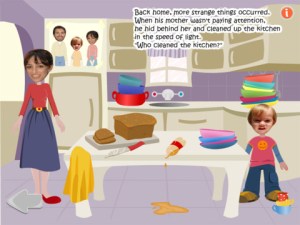
This FREE iPad app makes your child the star of an adventure where he/she becomes a Superhero. You begin by entering your child’s face and name to the app. Parents’ faces and a friend’s face are also added. The program allows you to load and edit the faces you need from photos on your iPad. Last, you choose your child’s gender so that the character can be dressed appropriately and the correct pronouns can be used.

Once the characters are ready, the interactive story begins. It can be read to you or on your own. The illustrations, music, and the story are cute.  Each page also has an information button in the upper right hand corner.  When you click it, a number of options become available.  You can save a picture of that page, email it, share it on Facebook, or hit “clues” which shows where the interactivity for that page is located.

I am sure you child will be delighted with this book and want to read it over and over again. However, there are a few minor issues. At one point in the story the squirrel gets hit with a baseball and says, “Oh god, that’s a big acorn!”  I am not sure those are the words that I would have chosen for a kid’s book. Also, the pronouns were not always read correctly.  They were always written correctly but on a few pages she is read as he. Finally, the program inserts your child’s name into the story pages but always reads it as Super U. If you read the story to your child instead of choosing to have it read by the program, you can tweak all of these issues as your read  – unless, of course, your child can read along 🙂

Super U - Nardiz Ltd

0

Educreations

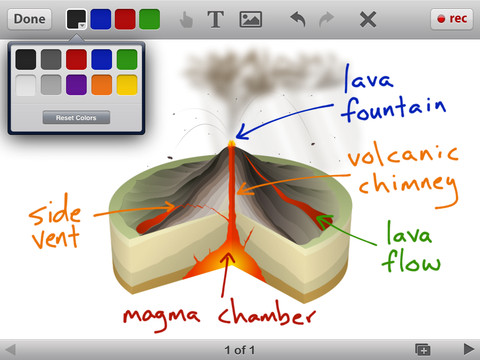
Educreations is another FREE app that turns your iPad into a recordable whiteboard (see earlier review on Screen Chomp). The app was just updated a few days ago – June 22, 2012.  Like Screen Chomp it is simple to use. Unlike Screen Chomp, you can build lessons with multiple pages or slides. And, the editing tools in Educreations allow you to resize and move images as well as create “animated playback” by dragging objects as you record.

Another bonus of this app is that free accounts are available at http://www.educreations.com where users can share their work as well as look at lessons created by others. This app is being used at all levels of education including the college level. I love Screen Chomp for younger kids but Educreations has more features.

Highly recommended!

Educreations Interactive Whiteboard - Educreations, Inc

0

Toontastic

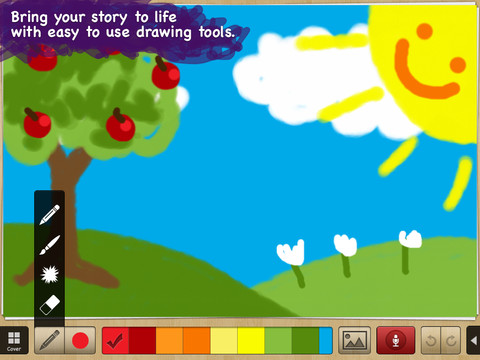
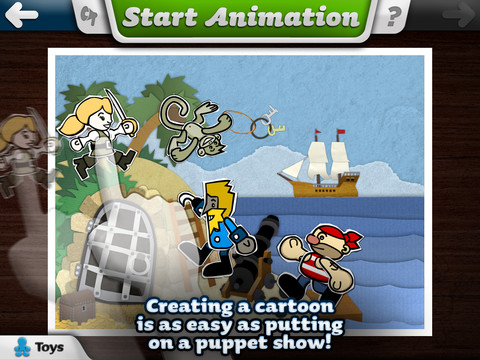
Fabulously creative FREE app for kids to create their own cartoons. This app allows kids to draw, animate and share their cartoons while actually teaching them the elements of a story. Kids are able to use backgrounds and characters from the app or create their own with the drawing tools that are provided.  Final creations can be shared online via ToonTube, Toontastic’s global storytelling network.

Here is a link to more information: Toontastic: Play, Create, Learn on the iPad!.

Not only are the possibilities for using this app are endless but a child’s work can be shared with parents, grandparents, other classes, etc.

Highly recommended!

Toontastic - Launchpad Toys

0

Toy Story Showtime

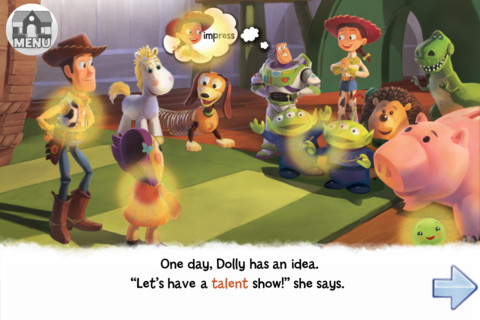
This Disney interactive storybook had been selling for $4.99 but it has been FREE for the last several days.  Designed for kids ages 4 – 6,  it provides kids with an age appropriate read-along experience.  After each page has been read, kids can tap the areas with a yellow glow for interactive features.  There are also fun activities at the end of the story.

Great for little readers!

Toy Story Showtime! - Disney

0

Funny Alphabet

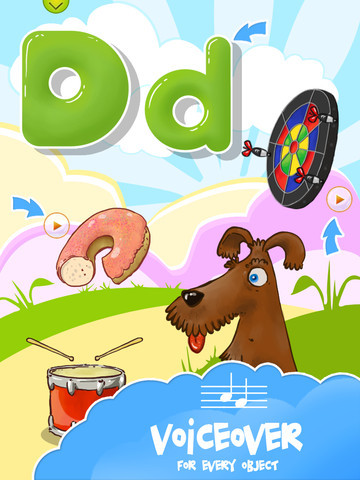
FREE for a limited time. Funny Alphabet is an easy to use, interactive app for toddlers which teaches the alphabet. Each letter has its own page showing the upper and lower case letter as well as four objects that begin with that letter. When you touch the arrow next to each item on the page, the object is named. The animations in this app are very cute – most objects have an interactive sound or movement. Also included in this app is a soap-bubble game that feels like the electronic equivalent to playing with bubble wrap 🙂

Please note that at the beginning and the end of the app have links to the FB page for the app – easy for your child to click on and end up in Facebook.

9/18/12: This app was updated on September 3 and a quiz was added as an in-app purchase.

Funny Alphabet - interactive ABC game - Ritlabs Inc.

0

BrainPOP and BrainPOP Jr.

BrainPOP has been around for more than a decade as a website.  The content is geared for grades 4+ but I used a lot of the movies in my third grade classroom. It was truly one of my favorite websites. There are over 750 lessons covering science, social studies, math, art & music, etc.

Now you can download the BrainPOP app for FREE and your child can learn something new every day.  After watching each movie there is a short interactive quiz. If your child can’t get enough of this engaging app, there are two subscription options: $1.99 per month will get you four movies and quizzes each day and full access is $6.99 per month.

Highly Recommended!

BrainPOP Featured Movie - BrainPOP®

Also available for FREE (as of today) is BrainPOP Jr. Movie of the Week. Every week Annie and Moby (two lovable characters) help 5 to 9 year olds learn about a different subject. There is also a quiz and activities to accompany each animated movie.  BrainPOP Jr. has been on the web since 2006 delivering content for younger students in science, social studies, reading, writing, math, and more.

Highly recommended!

BrainPOP Jr. Movie of the Week - BrainPOP®