0

Alphabet Dots

Alphabet Dots

FREE again – Alphabet Dots from Ellie’s Games (normally $.99). This educational app uses bright colors and a simple interface to teach young children to recognize the alphabet from A to Z. Kids learn to recognize both upper and lower case letters by popping colorful dots in order. The app has three levels of difficulty – choosing from 4 letters, 9 letters, or 16 letters. Kids can work on all upper case letters, all lower case letters or a mixed letters. There are also settings for sound, hinting, and enabling vibrations (iPhone only). This simple but visually appealing game is sure to help your little one learn the ABCs.

Alphabet Dots - Ellie's Games, LLC

0

Color Uncovered & Sound Uncovered

Color Uncovered

Sound Uncovered

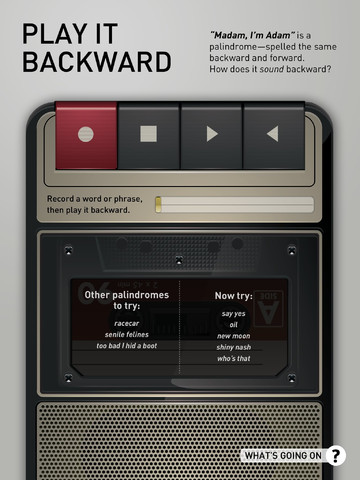
Two FABULOUS & FREE educational apps from the Exploratorium!! Both interactive books contain illusions, articles, and videos. These apps make science fun by answering questions like – What color is a whisper? Are there secret messages in music played backward? Kids will love the illusions and you won’t believe these apps are FREE! Very interesting –  for kids AND their parents/teachers.

Color Uncovered   Color Uncovered - Exploratorium          Sound Uncovered   Sound Uncovered - Exploratorium

0

Play 123

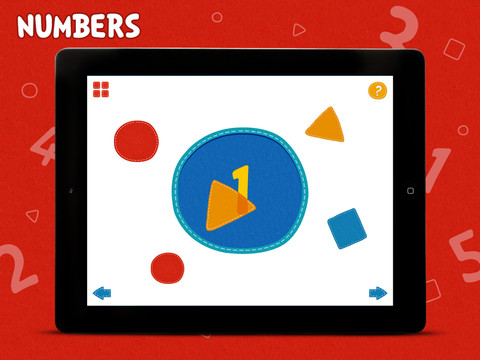
FREE again – Play 123, an educational iPad app for preschoolers and toddlers. Shapes, colors, and numbers come alive in this app from CJ Educations. Included in the “Best of 2012” in Australia/New Zealand App Store, it has 10 activities that teach colors, shapes and numbers to preschool-aged children. Kids learn about opposite and similar colors as well as mixing colors. They draw circles, squares, triangles and lines. The numbers 1 – 5 are  also taught. It’s simply done but appealing and engaging. It is definitely worth downloading. Your little one will be delighted!

PLAY123 - CJ Educations

0

Draw Along with Stella and Sam for iPad

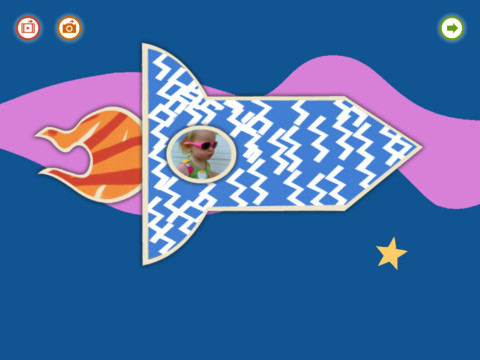
FREE for a limited time – Draw Along with Stella & Sam, an adorable & educational app for preschoolers. This app is based on the television show and book series by Marie-Louise Gay. The Stella and Sam books have been translated into 15 languages and have sold over a million copies. Disney Junior Canada sponsored a Draw Along Contest using this app last summer. Winners were featured on a special Stella and Sam event. What a cool opportunity for kids!

Kids choose one of 10 shapes to color, stamp, and/or add pictures to. Finalized creations can be shared with family and friends as images or animated videos clips. Here is a link to a You Tube video showing how this app works: Draw Along with Stella and Sam for iPad – YouTube.

5 other Stella and Sam Adventures are available on iTunes and are sold for $2.99 each: Into the Snow We Go, Rainy Days and Rainbows, Backyard at Twilight, Go There Square, Cocoons and Caterpillars. OR… you can purchase all 5 titles for $6.99  in the Stella and Sam Story Pack. These apps are also supported in French. Don’t miss this one!!

Highly Recommended for preschoolers.

Draw Along with Stella and Sam - zinc Roe

0

123 Color HD, Premium Edition, Talking Coloring Book

123 Color HD

123 Color HD, Premium Edition, Talking Coloring Book – FREE today only. This educational app will be back up to $7.99 tomorrow!

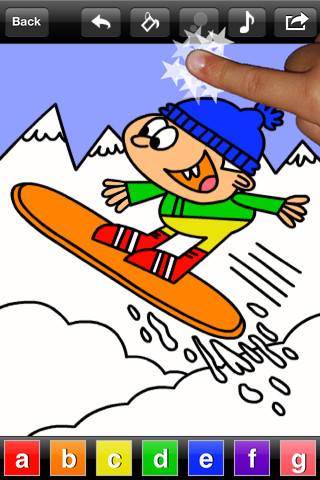
123 Color uses freestyle finger painting to teach numbers, letters (upper and lower case), and colors. The app can be set to be spoken in English, Spanish, French, and German. It comes with American English. Other languages require a free download. The app has 3 games – paint by letter, paint by number, and paint by color. Proper spelling of number and color names are displayed in the selected language. Each game features a themed artwork (shapes, winter, fall), music, sound effects, and animations. As kids correctly color the pictures they earn stars to purchase additional games. There are also in-app purchases available. Nicely done app for little ones!

123 Color HD, Premium Edition, Talking Coloring Book - Steve Glinberg

0

Sand Drawing

Sand Drawing

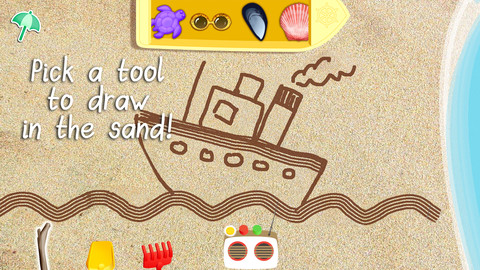
FREE for a limited time – Sand Drawing by Timbuktu. Kids can relax on the virtual beach by drawing in the sand. The app comes with 3 drawing tools and 12 decorations that kids choose to mix, rotate and resize. I wish sand drawings could be saved – then kids’ drawings could be pulled into a story writing app. Perhaps “saving” will be possible in an updated version. Waves clear the beach so to make way for new creations. Simple to use and fun!

Sand Drawing - by Timbuktu - Timbuktu Labs, Inc.

0

Hopscotch HD

Hopscotch HD

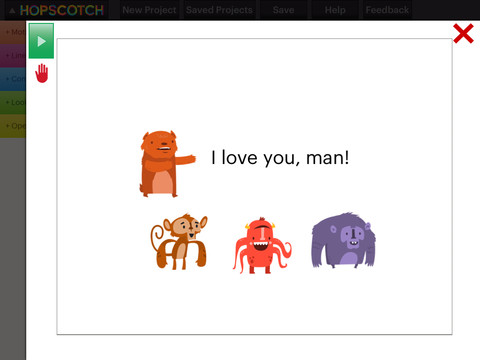
FREE for a limited time – Hopscotch HD, an educational app that teaches kids how to program their own games and animations! Introduce kids to computer science with this app. 🙂 Kids drag and drop “method blocks” into scripts. When they are done, they can press play to see their code in action! Why teach kids coding? According to the developer – there will be about 1.4 million computer jobs by 2020 and only 400,000 computer science students. Many coders first fell in love with coding when they were  8-12 year old children. Hopscotch is based on a visual programming language named Scratch which was developed by MIT. It promotes STEM education (science, technology, engineering and math) in a fun way – by making coding kid-friendly!  LOVE it!!

Hopscotch HD - Hopscotch Technologies

0

ClickyySticky Superheroes

ClickySticky Superheroes

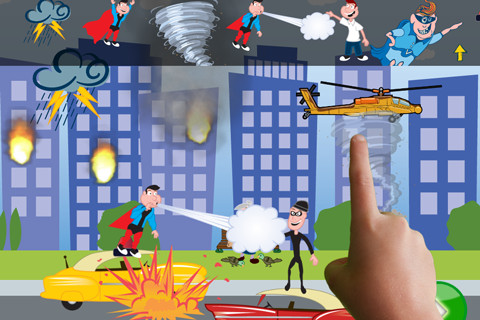
Free for a limited time – ClickySticky™ Superheroes, an animated sticker app. The app has 4 great scenes: Save the Day, Create a Super-Car, Super Power, and Superhero Dress-up. Kids use an assortment of stickers to create a scene. Many of the stickers are animated and/or include sound effects – a twisting tornado, flashing lightning, crashing cars, etc. Please note that this app includes a few stickers that some parents/teachers may find objectionable (a character with a laser gun, fireballs, etc.) and I did not see an option to remove individual stickers in the settings. Once the scene is finished, kids can make it come to life by tapping the play button – VERY fun technology!! Scenes can be saved to your photo library or emailed. So… you can pull the scenes into a story creating app and write a superhero adventure. How fun (and educational) is that!!

ClickySticky Superheroes - Merge Mobile

0

Kids Zoo

FREE again – Kids Zoo, an educational app that introduces your child to 45 different animals from 4 different categories: wild, farm, birds, and water. It is very easy to use – just tap. First tap the category you want to explore, then tap an animal. A photo of the animal appears. You can tap the photo for another photo of the same animal. Tap the speaker next to the animal’s name and it is pronounced. Tap the sound icons to hear the sound that the animal makes. There are two sound icons for each animal (one blue and one pink) but no explanation of the difference. The most interesting thing about this app is that there are connections to 30 LIVE  webcams at zoos all around the world. You can see the polar bear at the San Diego Zoo, the tiger at the London Zoo, etc. if you connect at the right time. Since these zoos are all over the world, the animals may be sleeping, the time zones may not match up, etc. Another potential issue is the speed/quality of your connection. I was able to connect to several webcams but was not fortunate enough to see any real action. Interesting to explore – if you have a great connection!

This app for the iPhone/iPad is FREE for a limited time.

Kids Zoo - Zhan Tian

0

PBS KIDS Photo Factory

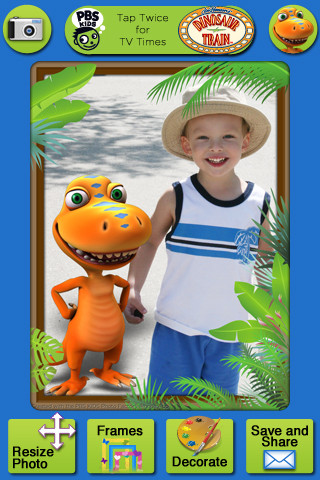
Very cute FREE educational app for the iPhone/iPad from PBS KIDS. Add your favorite PBS character to your child’s picture in 3 easy steps. First take a picture or choose one from your photo library. The edit it as needed – zoom, rotate, or resize. Lastly frame it and decorate it by adding your favorite PBS characters. You can share the results on Facebook, Twitter, via email or save them into your photo library.

There are lots of fun ways to use this app. Take pictures of kids with the characters at a themed party based on one of the shows. Take pictures of students with Curious George, Arthur, or Clifford after reading books featuring those characters. Pull those pictures into a story writing app to create a new adventure of the PBS character and the student. Add the characters to settings – pictures of the school playground, pictures of the classroom etc. – use your pictorial creations as  springboards to creative writing. Pull your pictures into TellPic (see review July 31) and have the child explain. Fun!!

Recommended!

PBS KIDS Photo Factory - PBS KIDS