0

Draw Along with Stella and Sam for iPad

This adorable iPad app is currently $1.99 but I was able to download it on a day that it was FREE. This app is based on the television show and book series by Marie-Louise Gay. The Stella and Sam books have been translated into 15 languages and have sold over a million copies. Disney Junior Canada sponsored a Draw Along Contest using this app earlier last month. Winners were featured on a special Stella and Sam event on July 1. What a cool opportunity for kids!

Kids choose one of 10 shapes to color, stamp, and/or add pictures to. Finalized creations can be shared with family and friends as images or animated videos clips. Here is a link to a You Tube video showing how this app works: Draw Along with Stella and Sam for iPad – YouTube.

5 other Stella and Sam Adventures are available on iTunes and are sold for $2.99 each: Into the Snow We Go, Rainy Days and Rainbows, Backyard at Twilight, Go There Square, Cocoons and Caterpillars. OR… you can purchase all 5 titles for $6.99  in the Stella and Sam Story Pack. These apps are also supported in French. To use the French version you would need to go into your settings and set the language from English to French under General> International> Language.

Highly Recommended for preschoolers.

Draw Along with Stella and Sam - zinc Roe

0

Dog Story

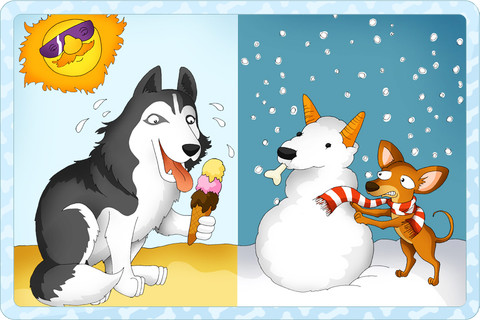
This is another FREE app for the iPad & iPhone from TabTale LTD, the creators of Friendly Shapes (see previous review). It is designed to teach opposites to very young children by using cute drawings of dogs. Although it is named Dog Story, there really isn’t a story per se. Instead, the book introduces kids to the concept of antonyms. It also has fun animations and/or puzzles on each page. The app has three modes: auto-play, read-it-to-myself, and read-to-me but there is very little difference between auto-play and read-to-me. There is also an option to record your own voice as you read. There were two sets of antonyms that I didn’t feel were quite accurate: angry/glad and brave/shy. I would think that a more appropriate antonym for angry would be calm and a more appropriate antonym for brave would be cowardly. The other 11 antonyms in the book were more geared towards a young audience: wet/dry, cold/hot, young/old, etc.

Just like Friendly Shapes, this app has ads placed at the bottom of each page between the backward and the forward arrows. But, for $.99 you can remove them so little fingers won’t end up hitting links to things like the Hotels.com app, the Gilt app, Fairway Solitaire, and other products not necessarily geared towards kids.

I am not sure that there is enough content in this app to pay $.99 for the non-ad version but you might want to try for free 🙂

Dog Story - Learn Opposites - Pet Animal Adventures - An Interactive Children's Story Toddlers Book HD - TabTale LTD


0

Friendly Shapes

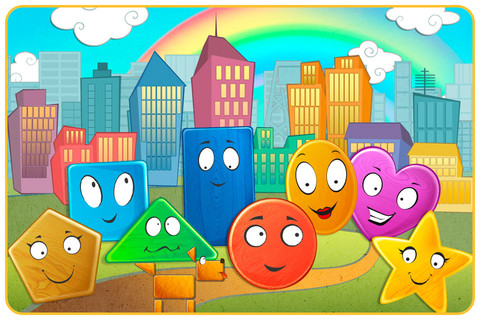
This FREE app is for the iPad and iPhone. This cute little story for toddlers/preschoolers starts as Circle goes looking for his friend, Star. Along the way he meets other shapes: Triangle, Square, Rectangle, Pentagon, Heart, and Oval. As each shape joins the search, the group morphs into more complicated vehicles. There are three modes: auto-play, read-it-to-myself and play. There is also an option to record your own voice as you read. Each page also has fun animations, and/or puzzles in addition to the story. All in all, this is a nicely done app for little ones to learn shapes, colors, left/right, etc.

So how can it be FREE? Well, this app that gives you the option of removing the ads for $.99. The ads are placed at the bottom of each page between the backward and the forward arrows. I think little fingers would end up hitting the ad bar somewhat regularly which links to things like a Wizard of Oz interactive book, the Hotels.com app, the download of American Reunion (unrated) in the iTunes store, etc. Obviously, all of these links are not geared towards kids, which baffles me in this day and age. I understand that ads help pay the bills but please gear them towards your users.

Recommended!

Friendly Shapes - funny interactive adventure HD. - TabTale LTD

0

My Coloring Book Free

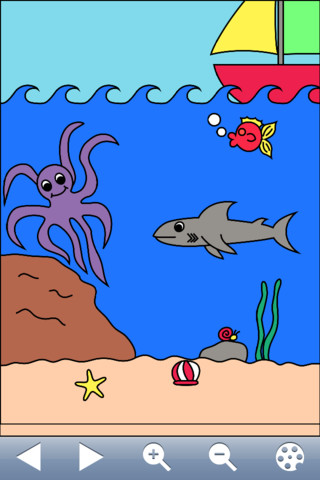
This FREE app for the iPad, iPhone, or iPod seems to be popular.  The current version has 4 stars after 365 ratings. There are 75 pictures to color and it has some nice features –  it zooms in and out for small areas, it saves automatically, it’s easy to clear and start over, and it saves to the Photos library for sharing or to be used as wallpaper. The app also claims to develop eye-hand coordination. However, the only coloring tool within the app works like a paint can. Kids choose & touch a color, then choose & touch the area of the picture they want that color. The app does the rest as it color-fills that area. There is no possibility of coloring out of the lines so I am not sure of how much eye-hand coordination is involved. There is no possibility of making stripes, polka-dots, plaid, or any other fun design within an area so I am not sure how creative it is either. That being said, several people have commented that their kids like it and the price is certainly right 🙂

My Coloring Book Free - Gortz Media

0

Puzzingo – Educational Toddler Puzzle

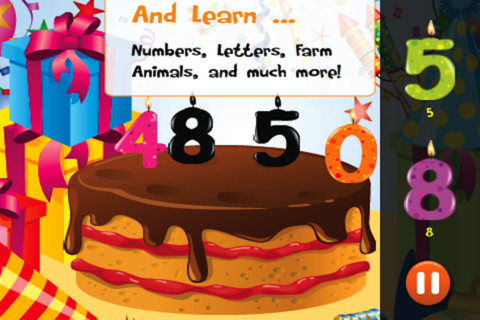
Voted one of the best kid’s apps by the Chicago Tribune, Puzzingo (for the iPad/iPhone & Android) is FREE today.  Kids build a circus ground by playing groups of interactive puzzles that teach them things like numbers, farm animals, ocean animals, the alphabet, and more. The names of the animals and objects that are pronounced as the child moves each puzzle piece into place. When each puzzle is completed, there is a celebration!  Kids can pop balloons and more.  Great fun for little ones 🙂

Highly recommended!

PUZZINGO Kids Puzzle Game for Toddler and Preschooler with Animals, Shapes, Numbers, and More - 77SPARX Studio, LLC

0

Little Fox Music Box

Old MacDonald

Mr. Fox’s Sound Studio

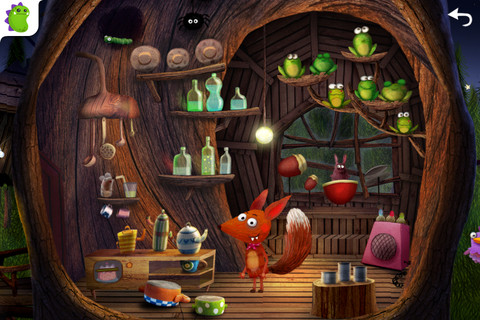
This iPad/iPhone app for 2 – 6 year olds is adorable! It usually sells for $2.99 but I was able to download it  today when it was FREE.  The artwork design is from Heidi Wittlinger, an Oscar nominated artist.  Included are 3 children’s songs: Old MacDonald, London Bridge, and  Evening Song.  Kids can also visit Mr. Fox’s sound studio which is full of 100+ interactive  surprises. The app also includes a Karaoke mode and can be switched from English to German. Kids will be delighted with the interactivity found in every scene.

Highly recommended!

Little Fox Music Box – Kids songs – Sing along - Shape Minds and Moving Images GmbH

0

Rocket Speller

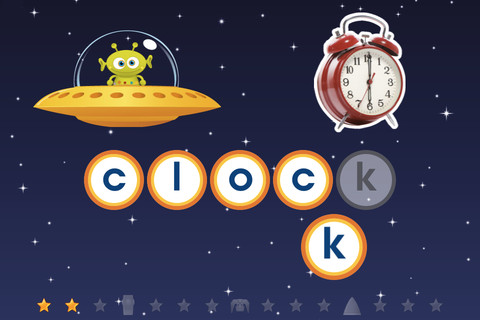
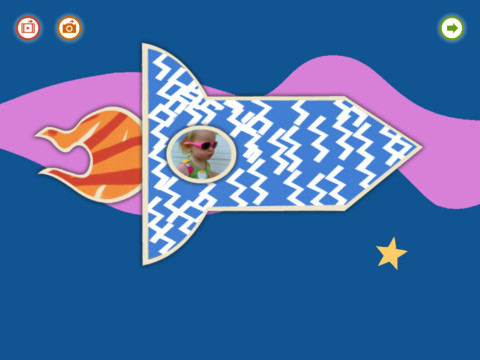
Rocket Speller is a FREE spelling app for the iPad and iPhone geared towards 3 – 7 year olds. Kids join Zip the alien on an adventure to build a new rocket. As the child successfully progresses through the levels he/she helps Zip choose the rocket pieces that he needs. Once Zip has collected everything, the rocket can be launched from the space pad. There are 4 levels. Level 1 allows you to match & place the letters in any order. In level 2, letters must be matched/placed in the correct order. Level 3 is spelling of simple words and level 4 is more complex words. This app promotes letter recognition, left to right order, awareness of how letters combine to make words, and vocabulary.

It’s cute, fun and you get the whole version for FREE.

Recommended!

Rocket Speller - Little Big Thinkers

0

My Story – Book Maker for Kids

Recently updated (June 26, 2012), My Story, is another great writing app for the iPad. The cost of this app is $1.99 but I was able to get it on a day that it was FREE 🙂

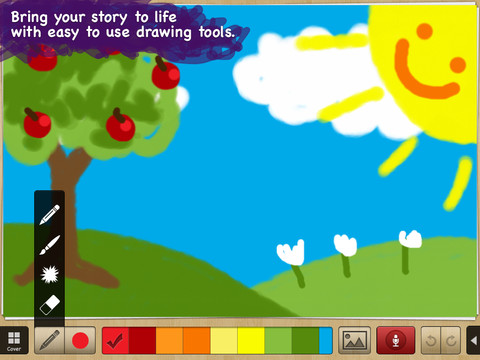
Kids can easily create an unlimited number of their own books. They can illustrate, take photos from the app, or use pictures from the photo library in their stories. Each page has an area for kids to type in words. They can also record themselves reading their books. Finalized stories can read directly from the app, be published to iBooks, and/or shared via email with anyone who owns an iPhone or iPad.

Watch the video and learn more about this app here: My Story – Book Maker for Kids.

What a great way for your child to share their life experiences with grandparents and other loved ones – take photos of your day (at the zoo, in the park, etc.) and let your child narrate the experience! Voice recording remain intact when the book is shared. You can type in the text later so your child can hear himself narrating/reading the book. Kids will make the connection that the words in books are really just “talk written down.”

In the classroom kids can share their stories with friends through iBooks, write and present digital reports, keep ongoing vocabulary books and/or journals etc.

Highly recommended!!

My Story - Book Maker for Kids - HiDef Web Solutions

0

Scribble Press

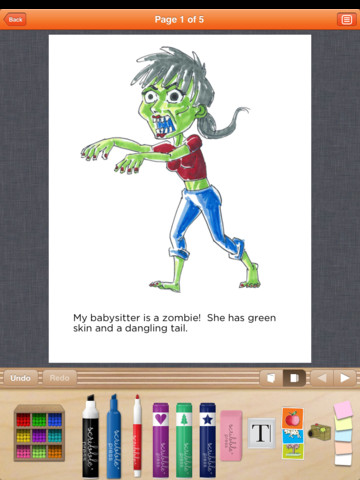
This FREE app seems to be the Cadillac of kids’ writing apps for the iPad. It helps kids to “imagine, create and publish” their stories. Kids can begin with one of the 50 story templates available within the app or they can write an original story.  You can create your own drawings using the 100+ markers, stamps, and stickers in this app. You can also take your own photos or upload existing photos/art for your story.  With all of that flexibility the sky is the limit as far as what kids can create – story books, travel journals, cookbooks, nature guides, etc.

After creating the story, kids can customize the cover and add information about the author. Books can be shared in a variety of ways – via email, via Facebook, to the Scribble Press public gallery, or to iBooks to be read and reread later.

Scribble Press was created by two moms 5 years ago. They started by opening retail studios where kids could publish their own books in New York and Los Angeles. The app came out when they decided to go digital after their success in the retail market.  Anyone who creates a book using Scribble Press can order a hardback copy as well as other cool things. Imagine what wonderful gifts your child’s creations would make for birthday and holidays!

Highly recommended!

Scribble Press - Scribble Press

0

Toontastic

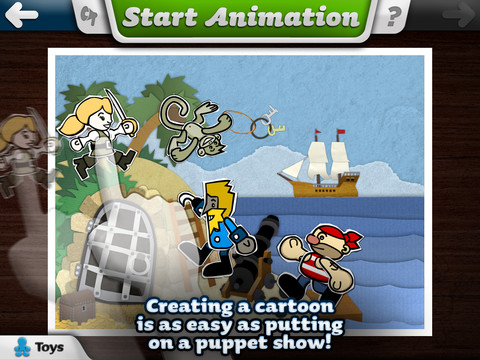
Fabulously creative FREE app for kids to create their own cartoons. This app allows kids to draw, animate and share their cartoons while actually teaching them the elements of a story. Kids are able to use backgrounds and characters from the app or create their own with the drawing tools that are provided.  Final creations can be shared online via ToonTube, Toontastic’s global storytelling network.

Here is a link to more information: Toontastic: Play, Create, Learn on the iPad!.

Not only are the possibilities for using this app are endless but a child’s work can be shared with parents, grandparents, other classes, etc.

Highly recommended!

Toontastic - Launchpad Toys