0

Funny Alphabet

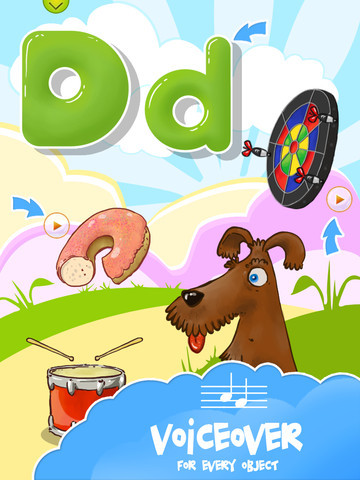
FREE for a limited time. Funny Alphabet is an easy to use, interactive app for toddlers which teaches the alphabet. Each letter has its own page showing the upper and lower case letter as well as four objects that begin with that letter. When you touch the arrow next to each item on the page, the object is named. The animations in this app are very cute – most objects have an interactive sound or movement. Also included in this app is a soap-bubble game that feels like the electronic equivalent to playing with bubble wrap 🙂

Please note that at the beginning and the end of the app have links to the FB page for the app – easy for your child to click on and end up in Facebook.

9/18/12: This app was updated on September 3 and a quiz was added as an in-app purchase.

Funny Alphabet - interactive ABC game - Ritlabs Inc.

0

BrainPOP and BrainPOP Jr.

BrainPOP has been around for more than a decade as a website.  The content is geared for grades 4+ but I used a lot of the movies in my third grade classroom. It was truly one of my favorite websites. There are over 750 lessons covering science, social studies, math, art & music, etc.

Now you can download the BrainPOP app for FREE and your child can learn something new every day.  After watching each movie there is a short interactive quiz. If your child can’t get enough of this engaging app, there are two subscription options: $1.99 per month will get you four movies and quizzes each day and full access is $6.99 per month.

Highly Recommended!

BrainPOP Featured Movie - BrainPOP®

Also available for FREE (as of today) is BrainPOP Jr. Movie of the Week. Every week Annie and Moby (two lovable characters) help 5 to 9 year olds learn about a different subject. There is also a quiz and activities to accompany each animated movie.  BrainPOP Jr. has been on the web since 2006 delivering content for younger students in science, social studies, reading, writing, math, and more.

Highly recommended!

BrainPOP Jr. Movie of the Week - BrainPOP®

0

Play 1 2 3

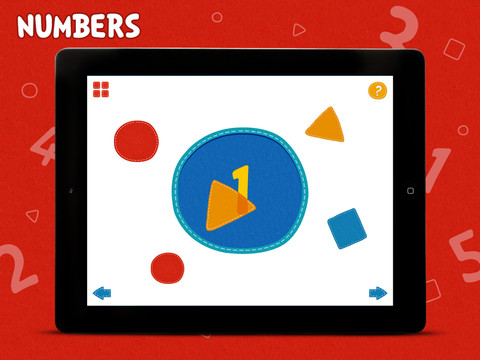
This FREE iPad app has 10 activities that teach colors, shapes and numbers to preschool-aged children. Kids learn about opposite and similar colors as well as mixing colors. They draw circles, squares, triangles and lines.  The numbers 1 – 5 are  also taught.  It’s simply done but appealing and engaging. It is definitely worth downloading.

PLAY123 - CJ Educations

0

Millie Was Here

Award winning interactive book for kids.  This story follows Millie on her first adventure.  Millie (a lovable dog) has super powers, loves bacon, and is a master of disguise.

Other adventures in the series are: Millie and the Lost Key and Millie’s Book of Tricks and Treats. I was able to download all of these books for FREE by waiting for special offers.

Check it out using  this link: Millie Was Here | an iPad book app for kids

Highly recommended – This is the cutest iPad/iPhone book that I have seen. And Millie looks like a dog I know and love!

Millie Was Here, Book 1: Meet Millie - Megapops LLC

my dog, Bounce

0

ScreenChomp

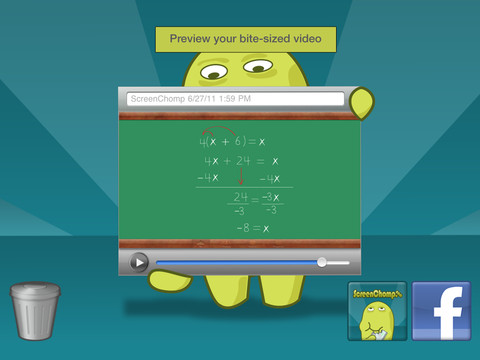
This app is one of those FREE seemingly simple apps with tremendous potential. It is basically turns your iPad into a recordable whiteboard. You can use it to sketch out and record ideas for yourself or to share with others. Teachers can send tutorial videos home with kids. Kids can create videos to help each other. There are so many ways this program can be used.

Here is a link to a You Tube video that explains how it works: What is ScreenChomp? The iPad app to Record. Sketch. Share! – YouTube.

Highly recommended for younger students. Also refer to my June 25 posting on Educreations for information about another great screencasting app.

ScreenChomp - TechSmith Corporation

0

How to Draw

There are several apps with this name. This review refers to the FREE one by Mind the Kids Ltd.

This app gives kids step-by-step visual and verbal instructions for 12 drawing episodes. Episodes teach how to draw things such as a dog, a princess, and the space shuttle. In the “I am watching” mode, kids can use paper and pencil. In the “I am drawing” mode, the program verbally explains as it draws in red lines for the child to draw over on the iPad or iPhone.  Then the red lines disappear leaving only the child-drawn image behind. There is an option to color and add additional details or background to your drawing. Drawings can be emailed or saved in your photos.

A couple of issues – I think it would be difficult to use this program on anything smaller than an iPad. I also wish there was the option of a blank sheet so that kids could create their own original drawing. It is possible to create your own drawing but… you have to go into an episode and basically ignore the instructions to do your own thing.

All in all, it is somewhat limited but it is also FREE and fun.

How to draw - Mind the Kids Ltd

0

MatchPad

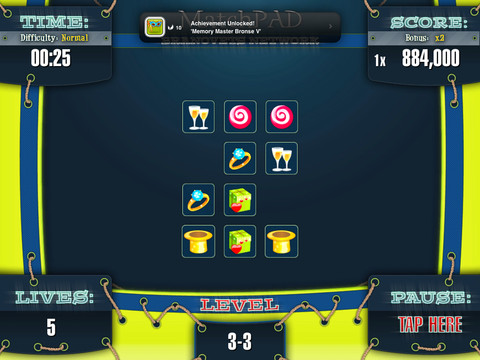
As the name implies, this app is a card matching game along the lines of concentration. It has a cute little tiger on the front so I downloaded it for free one day just to check it out. I was hoping to find all sorts of cute little animals for kids to match up. Instead the cards have an odd assortment of items to match – like shoes, jewelry and wine glasses (hmmm). The app times you & keeps score as you progress through several levels. In addition, as you successfully complete a level, you are given verbal praise such as awesome, cool or to easy (not to be confused with too easy which actually is the correct homonym).

There doesn’t seem to be a free version available any more –  just the $2.99 HD version. I am not sure I would download again it for free let alone $2.99.  Matching games are good for kids but there must be better versions on the market.

0

TypeDrawing

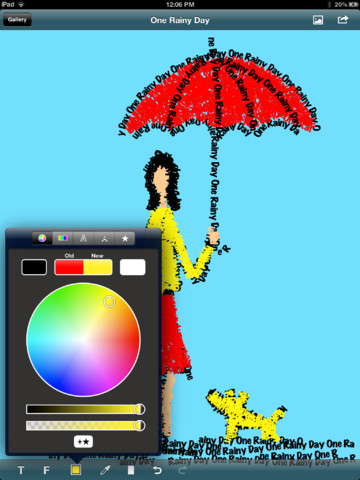
Very cool FREE app that permits you to draw in type. I have the free version which has limitations but I would recommend starting with it just to get the creative juices flowing 🙂

A use that immediately comes to mind is writing concrete poetry  – how cool would that be! Kids could write a tornado poem in the shape of a tornado, a cloud poem in the shape of a cloud, etc. The app allows you to input whatever text you want. Then you can use those words to draw a simple shape in any color you wish.  You can also change the font and the size of the text.

And……even the free version permits you to save your creation to a photo gallery. So from there the sky is the limit – you can email it to parents or grandparents, bring it into another program (such as Story Kit) to create a book, etc.  Awesome!!

Highly recommended!

TypeDrawing for iPad V3.0 - Hansol Huh

0

StoryKit

This FREE app can be used by young kids to write stories on an iPhone, iPod or iPad.  Kids can illustrate, take photos or use saved images to enhance their stories.  They can also record themselves reading their stories. Finalized stories can be shared on the StoryKit server.  Kids receive a private web address for their stories. Pretty cool!!

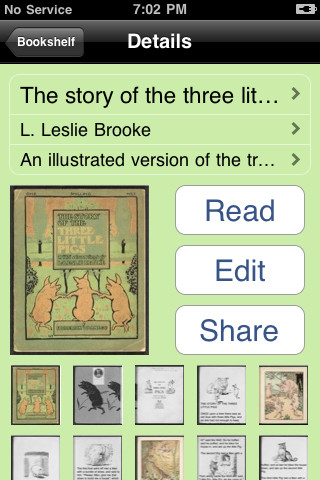
Also included in this app are 4 digital books (3 LIttle Pigs, Humpty Dumpty, Goldilocks & the 3 Bears, Rocket Man) to read or they can be edited to create another version of the tale. They are older versions of the stories not the ones that kids are familiar with. The Rocket Man has a reference to smoking in it.

The value of this app is in its writing component. Some teachers are using this app with iPod or iPad labs because it’s FREE and easy to use even with young kids. There are many uses beyond basic stories – take photos and create a travel journal, illustrate and define vocabulary words, photograph and explain cycles in nature, write about historical images, create a math glossary, photograph & label geometric shapes, etc. You are only limited by your imagination!

Worth downloading.

StoryKit - ICDL Foundation

0

Dr. Seuss Band

I LOVE this musical app which is designed to use on the iPhone/iPad. Kids (and adults) can easily learn to play cute little tunes on the interchangeable horns. There are three levels of difficulty – easy, medium, and hard. Kids can also play on the keyboard and make up their own tunes. It’s a great app for the budding musician 🙂

The app was free the day I downloaded it but it generally costs $.99.  There are additional charges to unlock more advanced levels.

Highly recommended!

Dr. Seuss Band - Oceanhouse Media