0

Easter Apps

Links to a few FREE Easter apps that I have found – enjoy!!
Bogga Easter

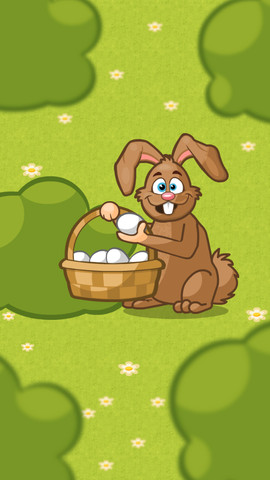
FREE March 22 – 23 – Bogga Easter for kids 2+. Kids look for an egg hidden by the clever Easter bunny. When they find it, they can decorate it & take a picture of it. They can also tap the decorated egg with a magic wand to discover the treats inside. Simple to use for little ones!

Bogga Easter - Boggatap

egg head

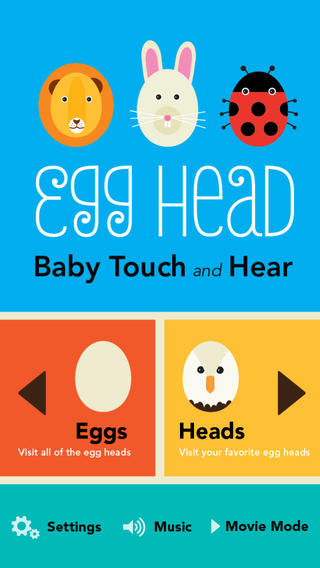
FREE this week – Egg Head: Baby Touch and Hear, an adorable app for little ones. Kids tap over 20 different eggs to transform them into egg-headed animals: a busy bee, mooing cow, a floating octopus, a hoppy bunny (of course) and more! Parents can work with their kids to learn the names & sounds of each animal or let them discover on their own. Kids can have fun guessing what animal may appear. There is also a movie mode that permits the littlest iPad users to simply watch. Simple, colorful, and cute – a great app for little ones!

Download link: https://itunes.apple.com/us/app/egg-head-baby-touch-and-hear/id607127533?mt=8&uo=4
Bunnyfur

Bunnyfur’s Easter Eggs – an interactive book for toddlers. Kids help decorate eggs, find hidden eggs, etc. Short but cute!
Bunnyfur's Easter Eggs - Interactive Touch, Inc.

Jasper

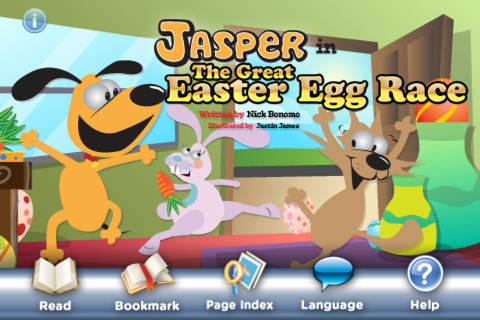
Jasper in The Great Easter Egg Race is another adventure of Jasper & Smiley. Fluffy the bunny has hidden eggs all over the house for an Easter egg hunt. The first one to find 5 eggs wins!

Jasper in The Great Easter Egg Race StoryChimes... - Siena Entertainment, LLC

0

Imagination Box

FREE for a limited time – Imagination Box, a creative art app for kids. What child doesn’t love creating with play dough? Hours of creative play awaits your child and there is no mess to clean up! It’s perfect for a trip to the doctor, a ride in the car, etc. The app includes 62 pieces of play dough (in 9 colors) including uppercase letters, numbers, and shapes. There are 12 backgrounds available for your child’s creations. Or, you can use your own photos as a background. Make a hat for the family dog or a play dough mustache for grandpa – how fun! There are also 10 markers available in the app adding even more possibilities for creativity. The app could also be used as a take-along “design center” for play dough. Kids could design their creations on the iPad, then actually recreate it with the real stuff. So many possibilities… get it today! 🙂

Download link: https://itunes.apple.com/us/app/imagination-box-colors-shapes/id698092635?mt=8&uo=4

0

Ed Meets the Dentist

Ed

FREE again – Ed Meets the Dentist, created by Jeffrey D. Holt DDS (a board certified pediatric dentist). This educational app contains a 7+ minute cartoon about a young rabbit’s first trip to the dentist. It explains the procedures and tools that a child might encounter. The app also includes interactive tools for kids to try out on Ed’s teeth. Very nicely done – this app should help your child be less anxious about his/her visit.

Ed Meets The Dentist - Holt IP Holdings, LLC

0

Spelling Star

spelling star

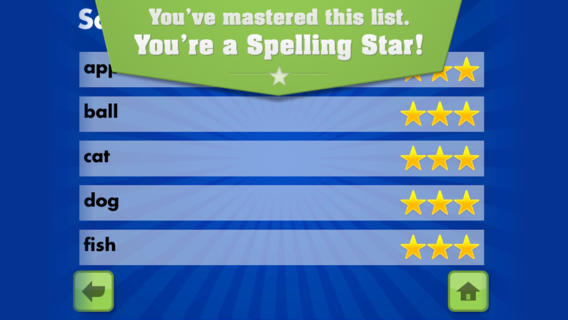
FREE for  limited time – Spelling Star, an educational app for practicing spelling lists. The app is simple to use – just type in and record the words. You may also include sentences to clarify the words’ meanings. Kids must spell each word correctly three times to become a Spelling Star.  Words are presented in random order. As kids practice, they can get a hint – a quick look at the word spelled correctly. When they spell a word without a hint, they earn a star. Spelling Star provides feedback after each word is spelled with the option to “try again” when an error is made. This educational app is great for home and/or school. Parents can use it to input spelling lists for multiple kids. Kids may enjoy inputting their own lists at the beginning of the week which would be GREAT practice! Teachers can create lists on one device and share those lists with anyone who has the Spelling Star app. Simple to use, effective, and tracks progress – what more do you need? 🙂

Download link: https://itunes.apple.com/us/app/spelling-star/id557070660?mt=8&uo=4

0

Math Duel

Math Duel

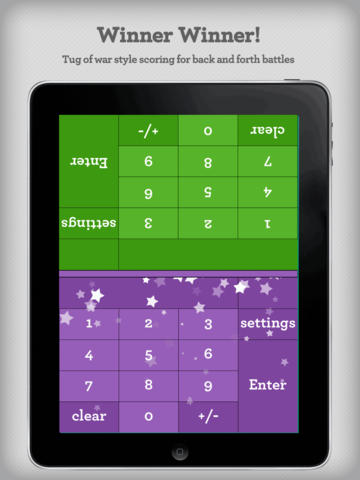
FREE for a limited time – Math Duel-2 Player Mathematical Game.This educational app pits two players against each other on the same device which makes it perfect for sharing iPads in the classroom. The app has a split screen interface – students sit facing each other on either end of the iPad. As kids answer math equations, the app keeps separate scores for each student. The best thing about this app is that it is fully customizable (on both sides) which makes it a fabulous tool for individualizing instruction for a wide range of students. Equations can be set with 1 – 5 terms. Largest numbers possible can be from 1 – 100. Negative numbers can be turned on/off. Kids can practice addition, subtraction, multiplication, division or any combination of these operations. Fabulous and fun for daily classroom math practice in multiple grades!

Common Core Standards met:

  • 1.OA.6 – Add and subtract within 20, demonstrating fluency for addition and subtraction within 10.
  • 2.OA.2 – Fluently add and subtract within 20 using mental strategies. By end of Grade 2, know from memory all sums of two one-digit numbers.
  • 3.OA.7 – Fluently multiply and divide within 100, using strategies such as the relationship between multiplication and division or properties of operations. By the end of Grade 3, know from memory all products of two one-digit numbers.

Download link: https://itunes.apple.com/us/app/math-duel-2-player-mathematical/id495077699?mt=8&uo=4

0

Shiny Party – Shapes & Colors

Shiny Party

FREE for a limited time – Shiny Party – Shapes & Colors, a math app for preschoolers. Charlie the monkey and Alice the giraffe are getting ready for their friend’s surprise birthday party. Kids learn about basic geometric shapes as they help. They find matching shapes, do shape puzzles, build cupcakes – all within the context of the story. All activities are age appropriate. I would make one little tweak to the content… the app teaches kids that a square has 4 sides rather than 4 equal sides. This educational app is great – colorful with adorable characters. Also, you can take a picture of your child with the characters and save it to your photos – a really cute feature. Nicely done and fun for little ones!

Shiny Party - Shiny Things

0

Puppet Workshop

Puppet Workshop

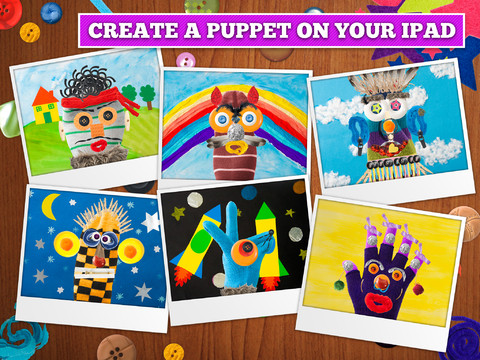
FREE again for a limited time (normally $2.99) –  Puppet Workshop. Kids use their creativity to turn a sock or a glove into a virtual puppet using this educational app. They first choose their sock or glove. Then they create the puppet’s eyes, nose, mouth, & hair from an assortment of buttons, ribbons, strings, etc. The puppet can be placed on a background from the app or a background from your camera roll. Or… your child can also create his/her own background! You can also save a picture of your child’s puppet to your camera roll or it ca be stored in the application. The app includes 20 different socks & gloves, 150+ enhancements, and 18 different backgrounds – enough “stuff” for a whole lot of creating!! Very fun. 🙂

Puppet Workshop - Creativity App for Kids - Sebastian Bachorzewski

0

TallyTots Counting School Edition – Learn the 123s with Numbers, Count-alongs and Fun Games for Kids – Spinlight Studio


Tally Tots

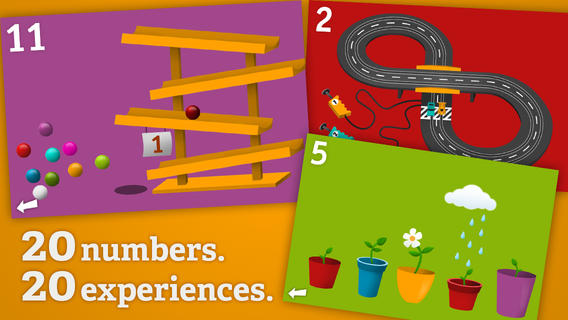
FREE for a limited time –Tally Tots, an educational app that teaches kids to count to 20. The app features 20 interactive mini-games that make learning numbers and counting fun. Kids race 2 cars, make bubbles in 6 colors, place 10 shapes into a puzzle, feed a chipmunk 19 acorns, etc. The app features something unique for each number with lots of positive verbal encouragement along the way. Tally Tots is the perfect choice for young kids learning to count!

Download link: https://itunes.apple.com/us/app/tallytots/id424070269?mt=8&uo=4

0

Math Splat

Math Splat

FREE again for a limited time – Math Splat, a really fun mental math game. Kids are challenged to answer 21 math questions as fast as they can. A colorful paint splat covers each correct answer. Each game is timed and limited to 3 incorrect answers. Each incorrect answer adds a 3 second penalty to the final time. Kids will  love trying to beat their best time! The student can choose between easy, medium, and hard questions which makes this game great for differentiating instruction. Have kids graph their scores so that they can see themselves improve and in the process they will also learn to collect data. This educational app is perfect for getting kids to practice their facts in a fun way!

Common Core Standards met:

  • 1.OA.6 – Add and subtract within 20, demonstrating fluency for addition and subtraction within 10.
  • 2.OA.2 – Fluently add and subtract within 20 using mental strategies. By end of Grade 2, know from memory all sums of two one-digit numbers.
  • 3.OA.7 – Fluently multiply and divide within 100, using strategies such as the relationship between multiplication and division or properties of operations. By the end of Grade 3, know from memory all products of two one-digit numbers.

Download link: https://itunes.apple.com/us/app/math-splat/id495477324?mt=8&uo=4

0

What Time is is Mr. Wolf?

What Time

What Time is it Mr. Wolf? (by Teacher’s Pet) is FREE for a limited time. Make sure you get the correct one – there is another app by the same name by Joy Preschool. This educational app features a Wilfred the Wolf who spins the clock on the face of the moon 10 times. Kids have to choose the correct answer and drag it under the moon. The wolf giggles and says “well done” if the answer is correct. The app’s setting allows you to choose what interval of time you would like your child to work on – hours, half hours (half past), quarter hours, 10 minutes, or 5 minutes. Answers can be displayed in words, digitally, or mixed. You can also set the number of answers per question.

The Common Core Standards expect first graders to tell time to the 1/2 hour, second graders to tell time in 5 minute intervals (AM and PM), and third graders to tell time to the minute. So, this app would work well for first and second graders but not third graders. I like that this app includes practice with the words  – half past, quarter after, quarter to. It is a difficult concept for some kids to understand. Nicely done!!

Common Core Standards met:

  • 1.MD.3 – Tell and write time in hours and half-hours using analog and digital clocks.
  • 2.MD.7 – Tell and write time from analog and digital clocks to the nearest five minutes, using a.m. and p.m.

What Time is it Mr. Wolf? - by Teacher's Pet - Teacher's Pet