0

Geoboard by Math Learning Center


From The Math Learning Center (a nonprofit organization dedicated to K – 12 education) comes this FREE app that turns your iPhone/iPad into a virtual geoboard. Geoboards can be used as tools to teach mathematical concepts such as polygons, perimeter, area, line segments, angles, congruent shapes, symmetry, fractions, etc. Shapes are created by stretching bands on the geoboard’s pegs. There are 5 colors of bands in the iPhone version and 8 in the iPad version. There is also a tool to fill in shapes. On the iPad version, you can switch from the standard 25 peg board to a 150 peg board to create more complex shapes. This is a great app with the potential to be used in so many ways.

Highly recommended for your virtual math tool kit!

Check out my August 12 review of Virtual Manipulatives for another great app to add to your virtual math tool kit.

Geoboard, by The Math Learning Center - Clarity Innovations

0

MeeGenius

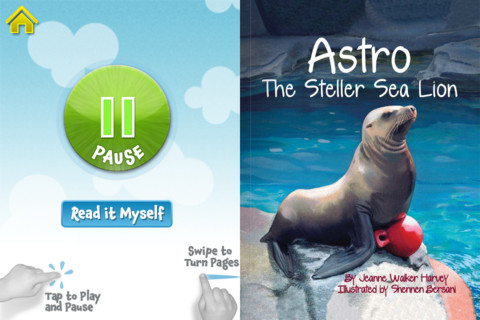
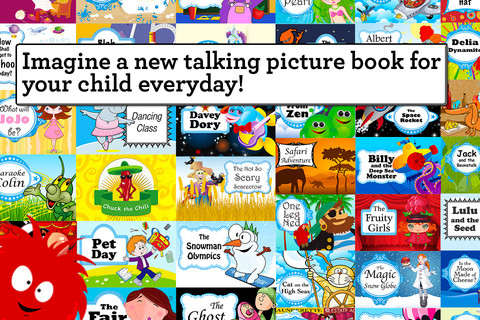
MeeGenius is a virtual store of e-books for young children. You can use it as a website, with the FREE app for iPhone/iPad or with Google TV/Google Chrome Web Store. The app comes with 9 FREE books. You register with your email address after you download it. Books can be read to you or read on your own. Words are highlighted as the narrator reads them in the read-along version. The books are nicely done – colorful, cutely illustrated, and age-appropriate.

Hundreds of additional books from dozens of categories are available as in-app purchases. Here is a link to the website where you can learn more about the titles/categories offered. You can also preview books before you purchase them: https://www.meegenius.com/store/featured

Worth downloading!

MeeGenius! Kids' Books - MeeGenius!

0

TimePairs

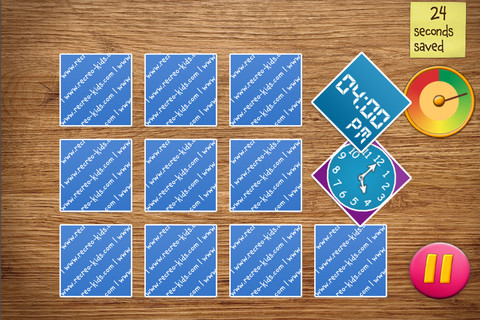
This app for the iPhone/iPad gives kids practice matching times on an analog clock with times on a digital clock in a “memory style” card game with a pirate theme. Clocks can be set as 12-hour clocks or 24-hour clock. Kids can take their time and choose the practice mode or get 30 seconds to match the cards in the “defeat the captain” mode. When the cards are matched successfully, the pirate cries – which I grew tired of very quickly but kids may think is funny. I played several games and the difficulty of the game did not seem to increase as I advanced – very basic, no time to the exact minute. Within the game there were also several cards with pictures only to match. All in all, this app seems more like a matching game than a telling time game.

0

Jack and the Beanstalk by Mindshapes

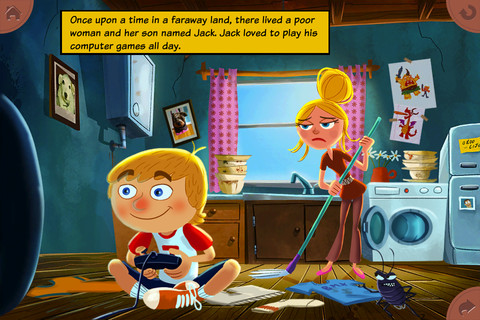
FREE app for the iPhone/iPad – this interactive read-along is a humorous, modern version of a classic tale. The animations & illustrations are delightful with interactivity on every page – really cute and definitely worth downloading!!

Recommended!

Jack and the Beanstalk by Mindshapes - Mindshapes Limited

0

Curious George at the Zoo

Curious George at the Zoo is currently FREE for iPhone/iPad. Designed for preschoolers, this app has kids helping Curious George wake, clean, and feed animals in the zoo. Introduced by the Man with the Yellow Hat (of course), the app then asks your child where he/she would like to go. But, buyer beware  –  there is only one section of zoo (Sunny Safari) included with the initial purchase of the app – normally $.99.

There are 5 animals for kids to learn about in this app – the hippo. giraffe, lion, parrot, and elephant. First they wake the animal up, then they clean it and feed it – fairly simple activities. Also included are age-appropriate video clips about each animal. Kids can play a game (Safari Showers) and collect stickers.

I have always loved Curious George books – the stories are timeless and can be enjoyed by kids from preschool through first/second grade. The simplicity of this app makes it most appropriate for Curious George’s youngest fans (2 – 3 year olds). I am disappointed that kids are given “a choice” of where they would like go in the app when there is only one area available without additional purchases. Choices are presented in a cute pop-up book but 3 out of 4 pages are covered by a huge “tap here to purchase” button. It feels similar to having the candy in the checkout line of the grocery story. That being said, if you have 2 – 3 year old that loves Curious George, you may want to download this app.

Curious George at the Zoo for iPad - Houghton Mifflin Harcourt

0

Read Me Stories – Children’s Books

Read Me Stories is an app for the iPhone/iPad that offers a selection of read along picture books for kids ages 4+. The FREE version of the app is loaded with the series, Tuffy’s First Adventure, and 6 books from other series for you to try. Available as in-app purchases are: additional books (from other series) and a new book every day. There are two options: “read to you” or “read yourself.” In the “read to you” option, the words are highlighted as they are read. Other than that, the interactivity is limited.

The stories are brightly illustrated and the story lines are fine but not wonderful (in my opinion). Teaching elementary school for 30+ years & reading literally thousands of kids’ stories has made me very picky. I do agree with the philosophy – the way to develop the habit of reading is by reading every day; but personally, I prefer the selection of books available through the Reading Rainbow app  – see my July 18th review.

0

Teacher Clicker – Socrative / Student Clicker – Socrative

This website and app are unbelievably cool – they turn any device with a web browser (iPhone, iPad, laptops) into a student response clicker. If a teacher has access to any kind of wireless lab, he/she can engage the entire class in a game or quiz and watch the results in real-time. Teachers begin by using their teacher app or logging into t.socrative.com with their email and password. Once logged in, teachers are assigned a room number to share with their students. Students log in using their student app or at m.socrative.com and enter the “virtual room number” provided by the teacher. Teachers initiate an activity and students respond on their devices. Multiple choice and short answer quizzes are easy to create – types of questions can be mixed. Teachers can also choose to run the quiz as a Space Race game. The students’ responses are visible to the teacher in real-time. Teachers can see what each child answered individually as well as what the group answered collectively. And the best part is… the app grades, graphs the results, and generates a report as an Excel spreadsheet or an email.

What a powerful tool for teachers – a short quiz at the end of a lesson can pinpoint what students understand and what needs to be retaught. Hours of grading and analyzing test results are done immediately. Every student is involved – wow!

Highly recommended!

Teacher app Teacher Clicker - Socrative - Socrative           Student app Student Clicker - Socrative - Socrative

0

I Hear Ewe

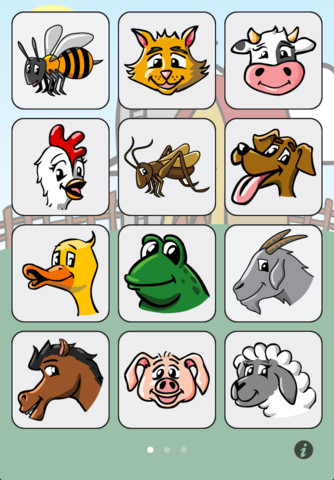
This simple to use app for the iPhone/iPad is designed for toddlers and is FREE. When your child taps on an animal’s picture, a voice says “This is the sound a ____ makes” and the sound follows. This app is so easy to use and the buttons are big enough for little fingers. 24 animal sounds and 12 vehicle sounds are included. Also, there are 5 language options: English, Spanish, Chinese, German, and Japanese. This app is perfect for little ones who love naming animals and making their sounds 🙂

Recommended!

I Hear Ewe - Animal Sounds for Toddlers - Claireware Software

0

gFlash+ Flashcards & Tests

This iPod/iPad app was just updated today (8/26) and is currently FREE. It allows you to create, download, and manipulate flashcards for everything that you can imagine. You can create your cards in a Google docs spreadsheet and download it into the app or you can create your cards within the app. There is no limit on how many card sets you can have. Card sets created by leading educational publishers (Kaplan, Barron’s, McGraw-Hill, Wiley Publishing, etc.) are available as in-app purchases. You can also download and share sets from the gWhiz catalog. You must have an active wireless connection to download card sets or to use card sets with videos.

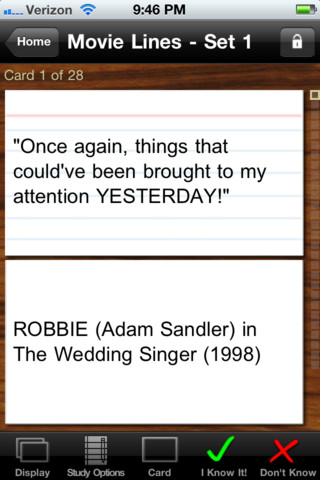
Once you have your cards ready, studying becomes simple. First choose box configuration or classic configuration. Both configurations keep track of the cards that are known & unknown. The box configuration has an unknown box, a known box, and a mastered box. As you go through the cards, the app keeps track of how many cards are in each box. In the classic mode, there is line of small cards on the right side of the screen. If you know a card, the little card turns green and if you do not know it, it turns read. It’s a nice visual for younger kids. A study score (percentage) is also given. Teachers of younger students could create the cards in Google docs for kids to download and study. This app is such a valuable tool for students of all ages to use in so many ways. I wish it would have been available when my kids were studying for the SAT and GRE. 🙂

Highly recommended!

gFlash+ Flashcards & Tests - gWhiz, LLC