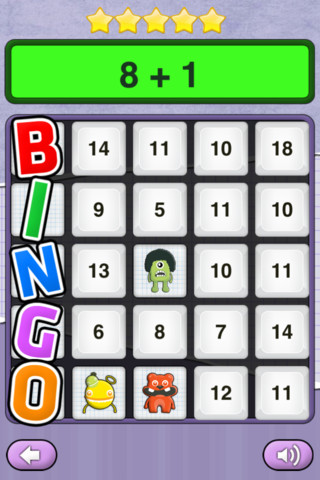
This app for the iPhone/iPad is FREE for a limited time. Math Monsters – Bingo has 4 games: addition, subtraction, multiplication and division. Each game has 3 levels: beginner, amateur, and professional. Kids answer math problems until they get BINGO or run out of stars (they lose a star for each problem missed). I don’t understand the scoring. I purposely missed 5 in a row and earned 200 points. The next round I correctly answered 12 in a row, got BINGO, and earned 300 points. Also included in this app is a Monster Jump Game which I had problems with – it would start then go to a different screen, it froze and I had to quit the app.
Sock Puppets
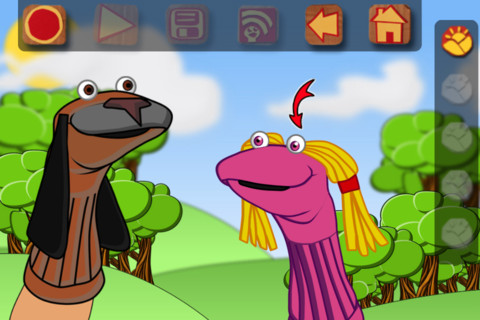
This FREE app for the iPhone/iPad lets you create lip-synched videos. Choose your puppets, backgrounds, and props then start to create. Kids can easily create and record conversations between the puppets. They just have to tap from puppet to puppet as they are recording. More than one background can be chosen so that the puppets can move to different places. Kids will love how their voices can be changed in the app so that all of the puppets do not sound the same. The FREE version only permits you to record for 30 seconds but you can extend your time to 90 seconds with an in-app purchase. Other in-app purchases allow you to import your own backgrounds, save to photos, plus add additional content. Having the ability to pull in your own backgrounds would be fun – the puppets could explain or have a conversation about student created work 🙂 Be aware that final creations can be shared on You Tube or Facebook if kids have accounts & passwords.
Recommended! but kids with You Tube & Facebook accounts can link to them from this app.
Chalk_Board
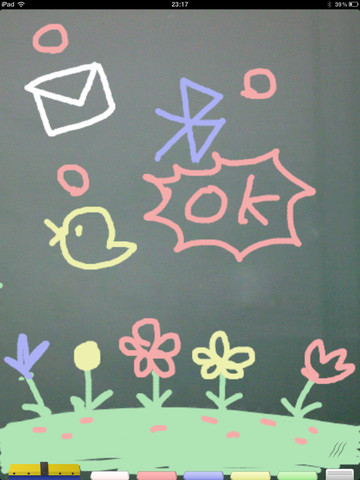
This FREE app for the iPad changes your device into a chalkboard. It has five colors of chalk and three erase options (undo, erase with finger, erase all). It even sounds like you are writing on a chalkboard as you use it! When you have finished your work, you can share it 5 different ways – publish on a shared list, save it to photos, tweet it, email it, or share via bluetooth. Unfortunately, the ability to publish to a shared list makes this app a problem for classroom use. Anyone can draw anything and submit it to be voted on. So kids using this app can see those drawing – appropriate or not. 😦 So sad, because this app could have taken the place of whiteboards in your classroom – no need for dry erase markers/erasers.
If there was a way to disable parts of this app I would highly recommend it but until then….use cautiously if at all.
Cartoon ABC
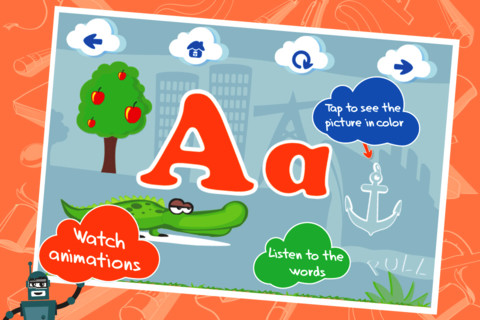
This ABC app for the iPhone/iPad is FREE for a limited time. It is designed to teach 2 – 5 year olds the letters of the alphabet and their sounds. Kids may explore the alphabet in any order that they wish. There are over 100 animations which correspond to the letters of the alphabet. The 3 words for each letter are pronounced and spelled. The illustrations are animated cartoons. Pages for each letter are uncluttered – simply presented but engaging. The app also has a parent section that shows how often your child has visited each letter. Nicely done!
Common Core Standards met:
- K.RF.1 – Demonstrate understanding of the organization and basic features of print. Recognize and name all upper and lowercase letters of the alphabet.
Check out how it works @http://www.kidsacademy.mobi/cartoon-abc/
Highly Recommended!
Zoo Champs – Sports Guide for Kids
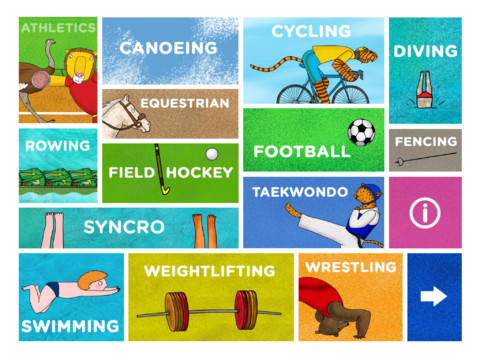
Just in time for the second week of the Olympics – Zoo Champs: Sports Guide for Kids is FREE today only. This iPad app (designed for kids 4 -8 years old) has 30 pages of animations and activities that teach about a wide variety of sports. Every sport has a narrated section and a read-only or Q & A section. Historical and amazing facts are presented in a very appealing way. Very cute!
Click here to preview and learn more: http://www.zoochamps.com/
Highly Recommended!
Mini Adventures – Music
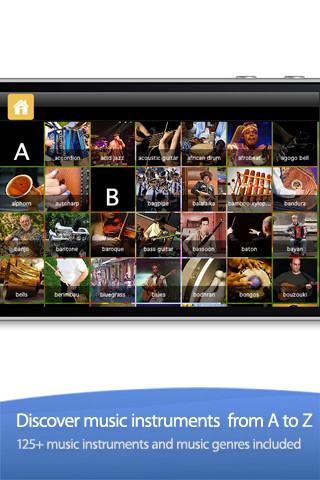
This music app was developed for the iPhone/iPad to teach kids about different genres of music and instruments from all over the world. Over 120 musical words are arranged on a ABC grid. If you tap on a word – it brings it up on a full screen with a link to a featured You Tube video in the upper left hand corner. Access to the videos can be totally disabled if you wish but children cannot link from the featured videos to the You Tube website. Of course, internet access is required to watch the videos. And, I did find a few video links that no longer worked. Even though I did not watch every video in the app, the developer claims that they were all tested for appropriateness.
That being said, the app is able to be customized. For younger kids you can delete the genres of music and just have instruments available which is what I would suggest. I would not want my toddler watching a 9 minute acid jazz video or a punk version of The Monster Mash with bats and skeletons. You can also add your own cards with your own sounds, pictures, and You Tube links. Pretty cool app to teach kids about instruments from all over the world. But, check it out to make sure that you are comfortable that the content is appropriate for your child’s age.
Recommended if you customize the app to fit the age of your child.
TapQuiz Maps World Edition
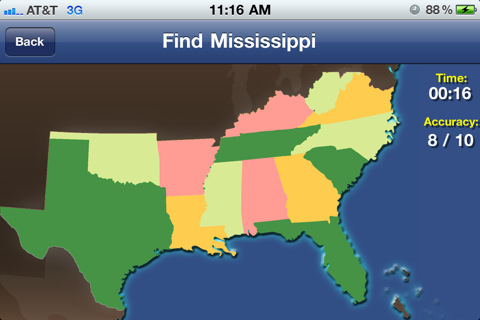
This geography app is FREE for iPhone/iPad. It teaches kids to identify countries, states, or provinces of 22 major regions of the world using a fun game. Kids first choose the region that they would like to be quizzed on. The app names which area is to be found and the child taps the map in the proper spot. Hints can be enabled if you wish. Both accuracy and time are measured. Results are saved in the statistics section of the app which is fairly sophisticated. It gives the fastest time and keeps track of the overall accuracy. You can also see specifically which regions are known/unknown. Two additional games modes are available through an in-app purchase ($.99). Nicely done app!!
Recommended!
Identifying Things
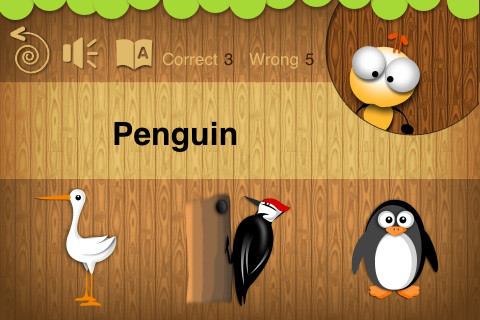
This FREE app for the iPhone/iPad is geared towards toddlers and has two modes – game and learning. In the learning mode, kids are shown a picture then the word is pronounced. In the game mode, kids tap on the word to have it pronounced then choose the correct picture. Only about 20 animals from two categories (aquatic animals & birds) are available without an in-app purchase. It is supported in two languages – English and Vietnamese. A major problem with the app is that the English pronunciations are not clear – shark sounds like shrock, penguin sounds like pengin – not recommended for this reason.
Rhyming Words
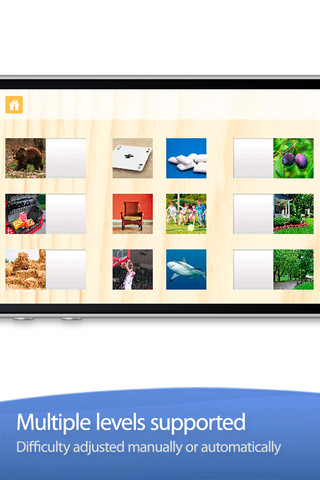
This FREE app is designed for the iPhone/iPad to help kids build phonological awareness by identify rhyming sounds. Included are over 200 photograph tiles that match-up to make 100+ pairs of rhyming words. The app starts out easy (only 2 sets to match) and increases to matching 8 sets. The settings allow a lot of flexibility – you can turn audio hints on or off, you can turn tile magnets on or off, and you can add your own voice. What I really love about this app is that you can add your own sets of matching tiles. The app allows you to take your own photos or choose existing photos then record your own set of rhyming words! So once your child can identify rhyming sounds, you can take it to the next level and he/she can create their own! Wow!!
Common Core Standards met:
- K.RF.2 – Demonstrate understanding of spoken words, syllables, and sounds (phonemes). Recognize and produce rhyming words.
Highly recommended!
SparkleFish
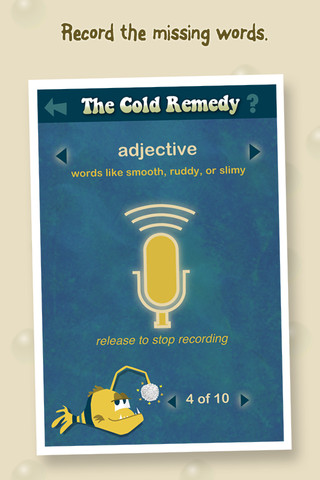
SparkleFish is a FREE app for iPhone/iPad that works like a digital version of Mad Libs. Four stories are included in the app with others available as in-app purchases. Kids are asked to provide words from a specific category (animal, body part, etc.) or a specific part of speech (adjectives, nouns, adverbs, past tense verbs, etc.). If the child cannot think of a good word, he/she can get suggestions from SparkleFish by touching the word. Instead of writing the words, kids record their choices in their own voice. Their words are played back in the reading of the story. Kids can save their recordings and listen to them later. There is also a “Chum It!” feature that allows posting comments to Facebook. I am not sure why this is an option in a game seemingly geared towards kids. It would be nice if there were a way to disable it in the settings for use in schools. This app allows kids to practice parts of speech in a fun way. Kids love Mad Libs because the results can be hilarious. I am sure they will feel the same way about SparkleFish 🙂
Recommended with reservations (because of the Facebook link).