0

Counting Money

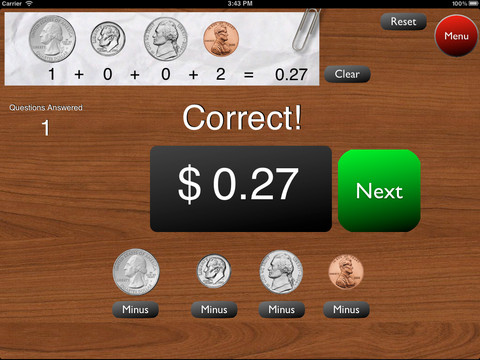
This is a great FREE app for the iPad to give kids practice counting coins. It has two modes: practice and quiz. In the practice mode, the child must answer the question correctly to proceed. In the quiz mode, 10 questions are generated with only one chance to answer correctly. There are two levels of difficulty: beginner (up to $2.00) and normal (up to $4.00). Users can select the number of questions (10, 20, 30 or 40) and decide if they would like to be graded (based on percentage). As the children count coins to reach a specified total, the app can be set to total the coins as they are being counted (if you wish). This app is easy to use with a lot of flexibility.

Common Core Standards met:

  • 2.MD.8 – Solve word problems involving dollar bills, quarters, dimes, nickels, and pennies, using $ and ¢ symbols appropriately.

Highly recommended!

Counting Money - King's Apps

0

Verb Mayhem Free

There are 3 levels of this app available for FREE for the iPad. Level 1 is for 7 year olds. Level 2 is for 8 – 9 year olds. Level 3 is for 10 – 12 year olds. Each FREE version gives you one level of play but you can continue to practice (at that level) by pressing the menu button in the upper right hand corner. That button will take you back to the start of the game and the app will generate more practice in a different scene.

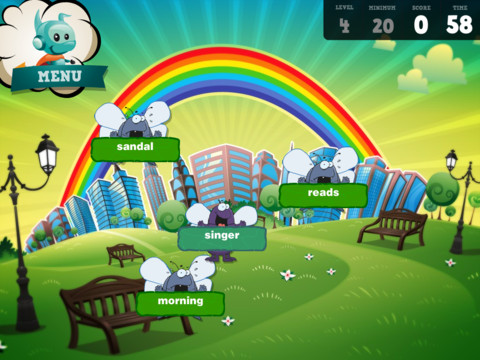
The object of the game is simple – just tap to eliminate any word that is NOT a verb. The game is fast paced and would be fun played with a partner. It provides good practice for recognizing verbs.

Common Core Standards met:

  • 2.L.1 – Form and use the past tense of frequently occurring irregular verbs (e.g., sat, hid, told).
  • 3.L.1 – Form and use regular and irregular verbs.AND Form and use the simple (e.g., I walked; I walk; I will walk) verb tenses.

Recommended!

Verb Mayhem HD Level 2 FREE - Generate Learning

0

TellPic

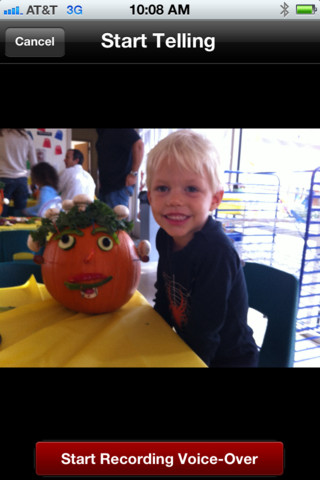
This FREE app for the iPhone/iPad is simple but powerful. It allows you to record your voice to explain a picture that you are sending via email or posting to Facebook. First you choose a picture from your photo library or take a new picture. Press start recording, followed by stop recording, then share – so simple!

The power in this app is in how you choose to use it. Take a picture of a child’s creation and have him/her explain it. Then send it to parents or grandparents. Take a picture of your child and voice over him/her singing to a loved one on a special occasion. Send pictures with voice messages about vacation experiences. And… because you can use anything saved in your photo library, you can pull in artwork etc. created in other apps  –  opening up all sorts of possibilities for sharing work created in class. The possibilities are endless!

Highly recommended!

TellPic - TellPic LLC

1

SpellingCity

Oh my – I am SO excited 🙂 Spelling City has a FREE app for the iPhone/iPad and the update just came out today! I LOVE Spelling City. It is a phenomenal website where teachers can input their weekly spelling lists so kids can go online to practice their spelling in so many fun ways – hang mouse, match it, which word, sentence unscramble, etc. I used Spelling City in my classroom for the last 3 years and the kids & parents loved it. The app has several preloaded lists and the best part…..kids can access the their teacher’s list (providing that he/she uses Spelling City, of course) by using their zip code, school name, and teacher’s name. Practice spelling in the car on a way to a soccer game or while waiting in the dentist’s office. AWESOME!!

Common Core Standards met:

  • K.RF.3  – Distinguish between similarly spelled words by identifying the sounds of the letters that differ.
  • 1.RF.3 – Recognize and read grade-appropriate irregularly spelled words.
  • 2.RF.3 – Identify words with inconsistent but common spelling-sound correspondences. AND Recognize and read grade-appropriate irregularly spelled words.
  • 3.RF.3 – Read grade-appropriate irregularly spelled words.
  • 4.RF.3 – Use combined knowledge of all letter-sound correspondences, syllabication patterns, and morphology (e.g., roots and affixes) to read accurately unfamiliar multisyllabic words in context and out of context.
  • 5.RF.3 – Use combined knowledge of all letter-sound correspondences, syllabication patterns, and morphology (e.g., roots and affixes) to read accurately unfamiliar multisyllabic words in context and out of context.

Highly recommended!

SpellingCity - SpellingCity

2

Fluency Timer

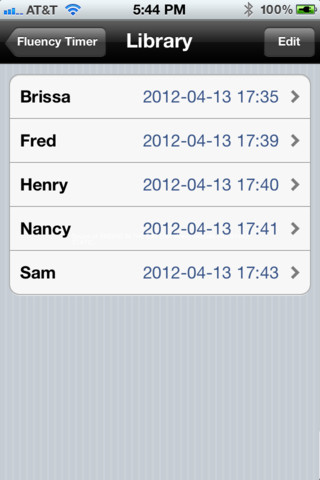
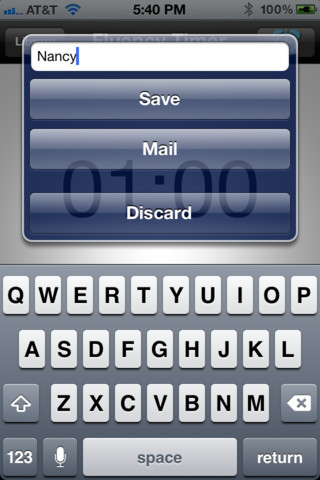
This FREE app is designed for the iPhone/iPad. It is very simple to use. It has an adjustable timer that allows you to record a child’s reading fluency for playback and/or sharing. Once a child has read, you simply name the file and save it into your library. The child can then listen to himself/herself read or you can email the file to a parent. This app is definitely useful  – kids listening to themselves read can be powerful. Teachers and parents can listen to determine where kids are having problems: Are they pausing for punctuation? Are they missing sight words? Is phonics/word structure an issue?

An issue with the program is that you have to preset it for a specific time period (between 10 seconds and 59 minutes & 50 seconds) rather than use it like a stopwatch. When it saves the recording in the library, it shows the date & time of the reading rather than the time it took to read the passage. If you are doing running records with 200 – 300 word readings, you still need a stop watch to record the actual reading time so you can figure out words per minute (reading rate). But, there is still a lot of good information that can be gathered by using this app.

There is also a pro version that transfers files to your computer.

Recommended!

Fluency Timer Free - Needleworks Software

0

ICDL (International Children’s Digital Library – Free Books for Children

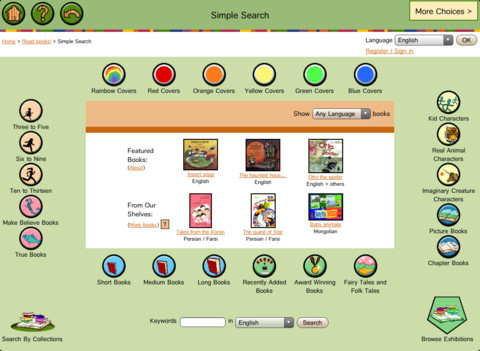
This app brings thousands of free children’s books from 60 different countries to the iPad – it’s truly a worldwide collection of books at your fingertips. Books can be searched in a variety of ways – by age appropriateness, length (short, medium, long), genre, ratings, awards, picture vs chapter, and more. You may register if you wish, but it is not necessary. Some advantages to registering include – saving favorite books on a personal bookshelf, returning to the last page that you were reading, and selecting the language you prefer to use.

The feature that I really like is the “Browse Exhibitions” section. The exhibitions are theme based collections of books from around the world. Examples of some current themes are: Celebrating Differences, Everyone Needs Water & Water Needs Everyone, and Forever Friendship. Within each exhibition is an overview of the theme, links to the books included, descriptions of why the books are included, and related activities (in pdf format). As the world becomes more mobile, school systems are facing language barriers. For example, Chicago Public Schools has over 70 languages spoken by their students. What an awesome resource to promote worldwide citizenship and understanding!

The mission of the International Children’s Digital Library Foundation (ICDL Foundation) is to support the world’s children in becoming effective members of the global community – who exhibit tolerance and respect for diverse cultures, languages and ideas — by making the best in children’s literature available online free of charge. The Foundation pursues its vision by building a digital library of outstanding children’s books from around the world and supporting communities of children and adults in exploring and using this literature through innovative technology designed in close partnership with children for children. 

Read more @ http://en.childrenslibrary.org/

Highly recommended!

ICDL - Free Books for Children - International Children's Digital Library - ICDL Foundation

0

Stewie the Duck Learns to Swim

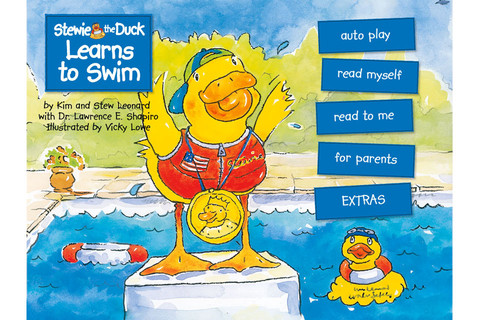
This FREE app for the iPhone/iPad teaches young children about water safety. Stewie, a cute little duck, wants to swim with the bigger ducks but his sister prevents him from doing so until he learns the rules of water safety. This iBook has a read-to-me audio option, a memory game, and a song  – all emphasizing how to be safe around the water. Because drowning is the leading cause of accidental death for children under 5, there are also tips for parents.

In 1989, Kim and Stew Leonard Jr. lost their 21-month-old son in a drowning accident. They pledged to do whatever they could to prevent this tragedy from affecting other families. In 1990 they founded Stewart Leonard III Children’s Charities to promote water safety awareness. The Foundation has raised over a million dollars to go towards swimming lessons, lifeguard training, and safety awareness/education. Their most recent endeavor was having The Allen Group. Inc. develop this app in loving memory of their son, Stewart Leonard III. It was released on April 4, 2012 which would have been his 25th birthday.

For more information go to www.stewietheduck.com.

Highly recommended with sincere appreciation to Kim & Stew Leonard for helping young children to be safe!

Stewie the Duck Learns to Swim - Stew Leonard's

0

ABC Wildlife

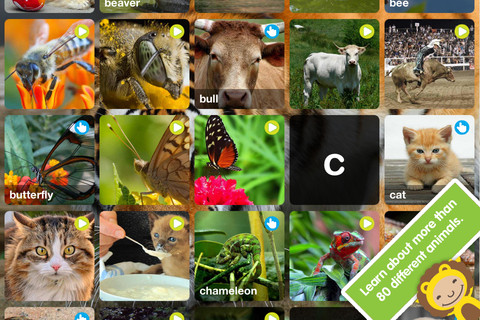
This app for the iPhone/iPad is FREE this week. It is geared towards 3 – 5 year olds to teach them about 80+ animals. The app opens to a grid arranged in ABC order. Kids can tap on a letter to bring up animals that begin with that letter or they can tap on a specific animal. As an animal’s photo appears, a child’s voice says the initial letter then reads the name of the animal (which appears in writing at the bottom of the screen). A little cartoon person drops down on the left hand side of the screen with a link to a video clip about that animal or an interactive scene. The child can scroll to the left for additional pictures & videos about each animal. There is also an exclamation point to tap on each page that gives an interesting fact about the animal pictured.

This app needs an internet connection to work because the 100+ videos are actually links to You Tube videos. They are chosen by Peapod Labs and checked to be interesting and safe for kids. Kids cannot link from this app into other You Tube content. This app is nicely done and the facts make it interesting for adults too!

Highly recommended!

ABC Wildlife - Peapod Labs LLC

0

Class Bingo

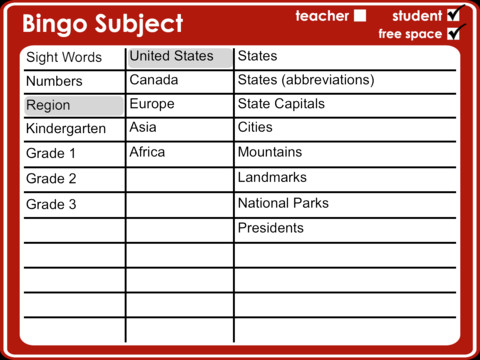
Classroom Bingo is an iPad app designed for teachers & students in grades K – 3. This app comes preloaded with educational content – Dolch and Fry sight words, written & numeric numbers to 100, regions (see above screenshot), K spelling (word families) & letters (upper case, lower case, mixed), grade 1 – 3 spelling words. A built-in random generator produces different bingo cards for each student. Kids tap the square when a word is called and a dot appears over the word. The teacher’s call sheet makes it easy to keep track of the game as it progresses. This app can be used in its simplest form (word recognition) or made more challenging by the way the teacher calls the game. For example – “I am the state that is Ohio’s neighbor to the west” OR “I am the product of 9 X 99”. The graded spelling lists are organized in alphabetical order and would be great for word study. The teacher could give a hint like – “I am a compound word” and allow for all of correct possibilities on her call sheet. Lots of possibilities for using this app!

Common Core Standards met:

  • K.RFS.3 – Know and apply grade-level phonics and word analysis skills in decoding words.
  • 1.RFS.3 – Know and apply grade-level phonics and word analysis skills in decoding words.
  • 2.RFS.3 – Know and apply grade-level phonics and word analysis skills in decoding words.
  • 3.RFS.3 – Know and apply grade-level phonics and word analysis skills in decoding words.

Highly Recommended!

Classroom Bingo HD - Tapfun Inc.

0

ABC Spy HD & ABC Spy Phonics HD

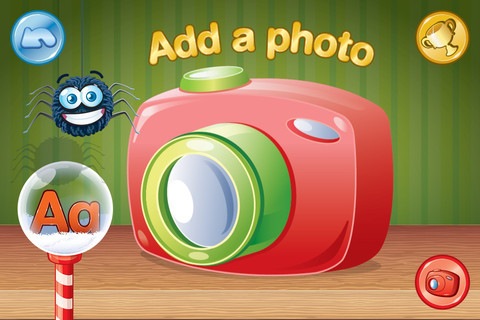
ABC Spy for the iPhone/iPad is currently FREE. It challenges kids to create their own ABC book with photos of items that start with each letter. Children can take their own pictures, use pictures from the app’s library, or use photos from their own library. After the child has the photo, he/she chooses a frame for it then types in the text to go with the framed picture. When the book is finished, it can be turned into a movie and saved or shared via email, text message, or You Tube.

Kids can create ABC books of almost anything – animals, a vacation, their town, etc. Since the app allows you to pull things from your photo library, kids can create their own artwork in another app and pull it into this one. VERY cool with loads of potential!

Highly Recommended!

ABC Spy HD - Stealth Education

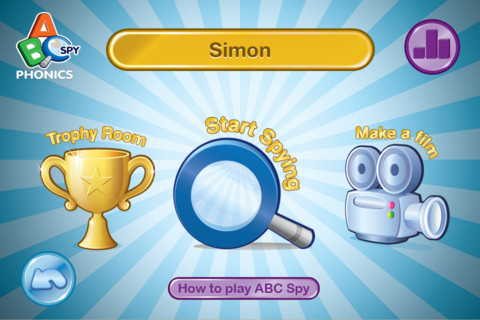
ABC Spy Phonics for the iPhone/iPad is also currently FREE. It challenges kids to create their own ABC book with photos of items that start 15 different sounds. It works the same way as ABC Spy. This app is fine but has the potential to be much better.  I am not sure why only 12 out of 26 alphabet letters were used. Only one vowel sound (short a) is used and it is not correctly pronounced. No blends are included and only 3 digraphs (ch, sh, th) were used. It would also be great to be able to add sound to the photos instead of text since this is a phonics app. This app seems incomplete – hoping for an update because it could be fabulous 🙂