0

Super U

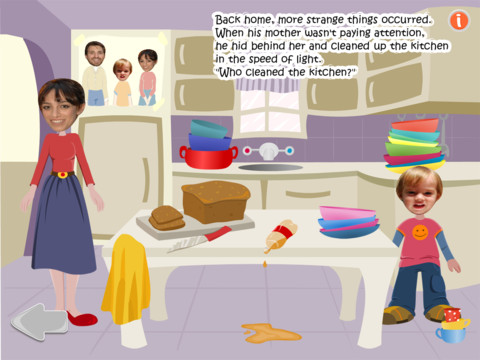
This FREE iPad app makes your child the star of an adventure where he/she becomes a Superhero. You begin by entering your child’s face and name to the app. Parents’ faces and a friend’s face are also added. The program allows you to load and edit the faces you need from photos on your iPad. Last, you choose your child’s gender so that the character can be dressed appropriately and the correct pronouns can be used.

Once the characters are ready, the interactive story begins. It can be read to you or on your own. The illustrations, music, and the story are cute.  Each page also has an information button in the upper right hand corner.  When you click it, a number of options become available.  You can save a picture of that page, email it, share it on Facebook, or hit “clues” which shows where the interactivity for that page is located.

I am sure you child will be delighted with this book and want to read it over and over again. However, there are a few minor issues. At one point in the story the squirrel gets hit with a baseball and says, “Oh god, that’s a big acorn!”  I am not sure those are the words that I would have chosen for a kid’s book. Also, the pronouns were not always read correctly.  They were always written correctly but on a few pages she is read as he. Finally, the program inserts your child’s name into the story pages but always reads it as Super U. If you read the story to your child instead of choosing to have it read by the program, you can tweak all of these issues as your read  – unless, of course, your child can read along 🙂

Super U - Nardiz Ltd

0

Educreations

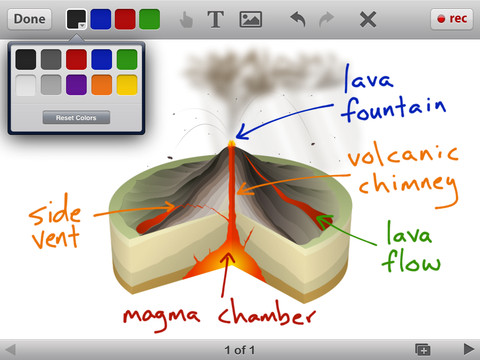
Educreations is another FREE app that turns your iPad into a recordable whiteboard (see earlier review on Screen Chomp). The app was just updated a few days ago – June 22, 2012.  Like Screen Chomp it is simple to use. Unlike Screen Chomp, you can build lessons with multiple pages or slides. And, the editing tools in Educreations allow you to resize and move images as well as create “animated playback” by dragging objects as you record.

Another bonus of this app is that free accounts are available at http://www.educreations.com where users can share their work as well as look at lessons created by others. This app is being used at all levels of education including the college level. I love Screen Chomp for younger kids but Educreations has more features.

Highly recommended!

Educreations Interactive Whiteboard - Educreations, Inc

0

Toontastic

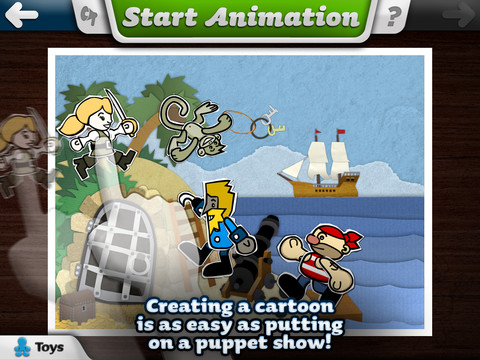
Fabulously creative FREE app for kids to create their own cartoons. This app allows kids to draw, animate and share their cartoons while actually teaching them the elements of a story. Kids are able to use backgrounds and characters from the app or create their own with the drawing tools that are provided.  Final creations can be shared online via ToonTube, Toontastic’s global storytelling network.

Here is a link to more information: Toontastic: Play, Create, Learn on the iPad!.

Not only are the possibilities for using this app are endless but a child’s work can be shared with parents, grandparents, other classes, etc.

Highly recommended!

Toontastic - Launchpad Toys

0

Toy Story Showtime

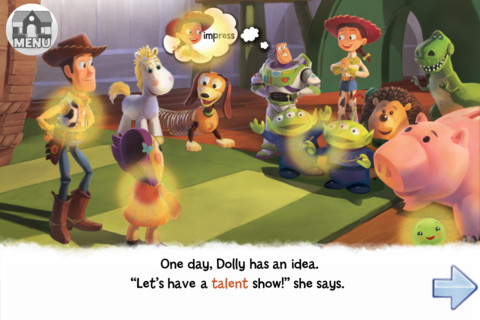
This Disney interactive storybook had been selling for $4.99 but it has been FREE for the last several days.  Designed for kids ages 4 – 6,  it provides kids with an age appropriate read-along experience.  After each page has been read, kids can tap the areas with a yellow glow for interactive features.  There are also fun activities at the end of the story.

Great for little readers!

Toy Story Showtime! - Disney

0

Funny Alphabet

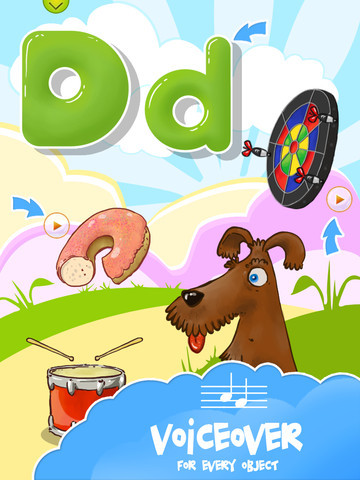
FREE for a limited time. Funny Alphabet is an easy to use, interactive app for toddlers which teaches the alphabet. Each letter has its own page showing the upper and lower case letter as well as four objects that begin with that letter. When you touch the arrow next to each item on the page, the object is named. The animations in this app are very cute – most objects have an interactive sound or movement. Also included in this app is a soap-bubble game that feels like the electronic equivalent to playing with bubble wrap 🙂

Please note that at the beginning and the end of the app have links to the FB page for the app – easy for your child to click on and end up in Facebook.

9/18/12: This app was updated on September 3 and a quiz was added as an in-app purchase.

Funny Alphabet - interactive ABC game - Ritlabs Inc.

0

BrainPOP and BrainPOP Jr.

BrainPOP has been around for more than a decade as a website.  The content is geared for grades 4+ but I used a lot of the movies in my third grade classroom. It was truly one of my favorite websites. There are over 750 lessons covering science, social studies, math, art & music, etc.

Now you can download the BrainPOP app for FREE and your child can learn something new every day.  After watching each movie there is a short interactive quiz. If your child can’t get enough of this engaging app, there are two subscription options: $1.99 per month will get you four movies and quizzes each day and full access is $6.99 per month.

Highly Recommended!

BrainPOP Featured Movie - BrainPOP®

Also available for FREE (as of today) is BrainPOP Jr. Movie of the Week. Every week Annie and Moby (two lovable characters) help 5 to 9 year olds learn about a different subject. There is also a quiz and activities to accompany each animated movie.  BrainPOP Jr. has been on the web since 2006 delivering content for younger students in science, social studies, reading, writing, math, and more.

Highly recommended!

BrainPOP Jr. Movie of the Week - BrainPOP®

0

Play 1 2 3

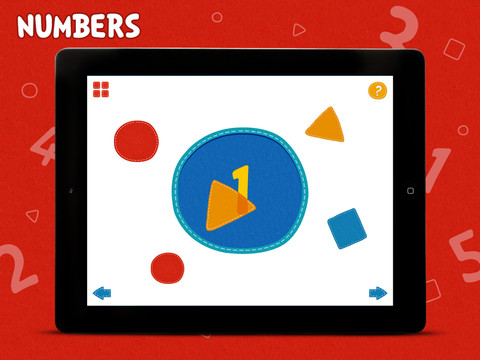
This FREE iPad app has 10 activities that teach colors, shapes and numbers to preschool-aged children. Kids learn about opposite and similar colors as well as mixing colors. They draw circles, squares, triangles and lines.  The numbers 1 – 5 are  also taught.  It’s simply done but appealing and engaging. It is definitely worth downloading.

PLAY123 - CJ Educations

0

Millie Was Here

Award winning interactive book for kids.  This story follows Millie on her first adventure.  Millie (a lovable dog) has super powers, loves bacon, and is a master of disguise.

Other adventures in the series are: Millie and the Lost Key and Millie’s Book of Tricks and Treats. I was able to download all of these books for FREE by waiting for special offers.

Check it out using  this link: Millie Was Here | an iPad book app for kids

Highly recommended – This is the cutest iPad/iPhone book that I have seen. And Millie looks like a dog I know and love!

Millie Was Here, Book 1: Meet Millie - Megapops LLC

my dog, Bounce

0

Evernote

Evernote is an amazing FREE app. which allows you take notes and save ideas from multiple sources – the internet, emails, photos, recordings, etc.  It syncs your notes to a server so that all of your saved information is accessible on multiple devices and if that’s not amazing enough – it’s searchable.

Here is a short video from the company: Watch our videos to learn more about using Evernote. | Evernote.

There are limitless uses for Evernote. One of the things I use it for personally is a recipe file. I use the Evernote web clipper so my recipes are in computer, on my iPad, AND in my phone (when I get to the store to buy ingredients). You can use Evernote to organize your ideas if you are planning a party, redecorating a room, looking for a new house, etc.

Students can use Evernote too. I have friends whose kids use Evernote to organize information for school reports and/or tests. Evernote for School promotes the many ways that the program is being used in classrooms.

Evernote is one of those apps that are FREE but you can pay for an upgrade if you find that you want more space and/or features.

This app has a 4 star rating in the app store after being rated by over 100,000 people.

Highly recommended!

Evernote - Evernote

0

ScreenChomp

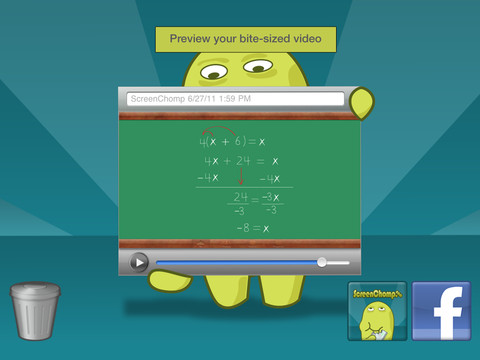
This app is one of those FREE seemingly simple apps with tremendous potential. It is basically turns your iPad into a recordable whiteboard. You can use it to sketch out and record ideas for yourself or to share with others. Teachers can send tutorial videos home with kids. Kids can create videos to help each other. There are so many ways this program can be used.

Here is a link to a You Tube video that explains how it works: What is ScreenChomp? The iPad app to Record. Sketch. Share! – YouTube.

Highly recommended for younger students. Also refer to my June 25 posting on Educreations for information about another great screencasting app.

ScreenChomp - TechSmith Corporation